|
By: Paul S Cilwa |
Posted: 4/5/2024 |
|
Page Views: 559 |
| Hashtags: #Autobiography #Art #AIArt |
| Well, the computer won't just "do it for you." |
| Estimated reading time: 5 minute(s) (1185 words) |
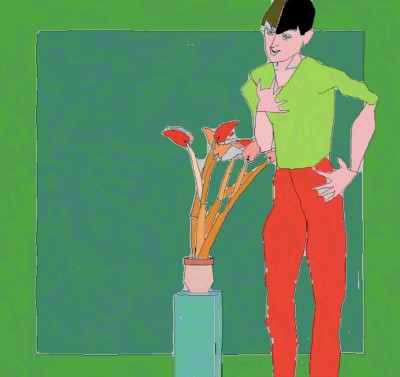
The first significant AI art system was AARON,
developed by Harold Cohen in the late 1960s and 1970s at
the University of California at San Diego. AARON is notable for its use of a symbolic
rule-based approach to generate technical images. It was the first artificial intelligence
software in the world of fine art, and Cohen debuted AARON in 1974 at the University
of California, Berkeley.
Since then, AI art generators have evolved significantly. For instance, OpenAI's Dall-E 2
has attracted widespread attention and pushed the boundaries of image generation. Today, there
are many AI art generators available, such as Deep Art, Deep Dream Generator,
Artbreeder, AI Painter, and Cartoonify. AARON aside, they've only been in the public eye for
a year or so.
And none of them is even close to perfect. But they can be useful, and usable, and sometimes
pretty funny.
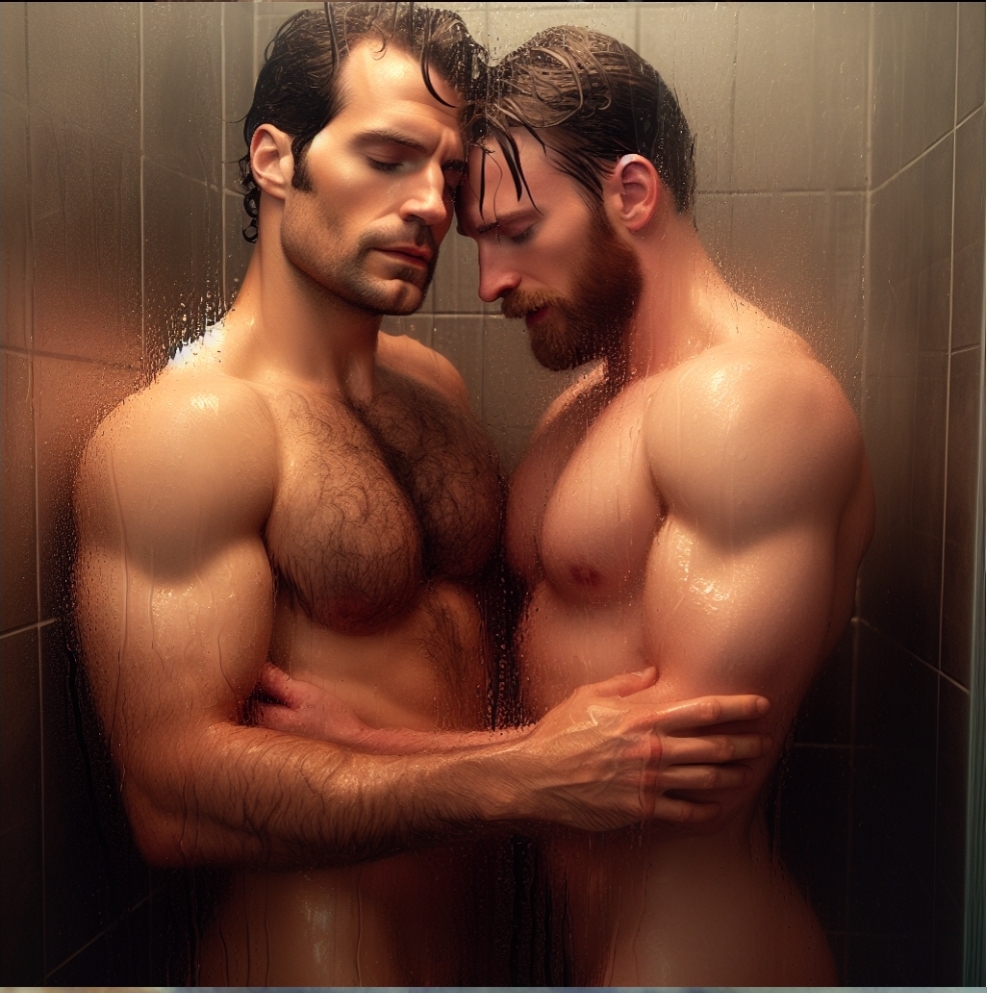
Sure, I know a lot of guys are using it to generate free near-porn. And sure, I'd love
to take a shower with Superman and Captain America as much as the next (gay) guy! But that kind
of thing gets old pretty fast.
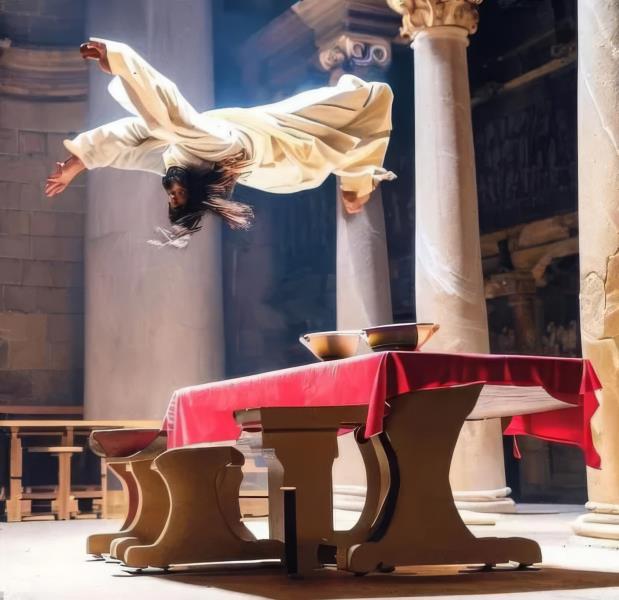
For example, I wanted an illustration of the Gospel story of Jesus' flipping
over the money-changers' tables in the Temple of Jerusalem. The AI took me literally!
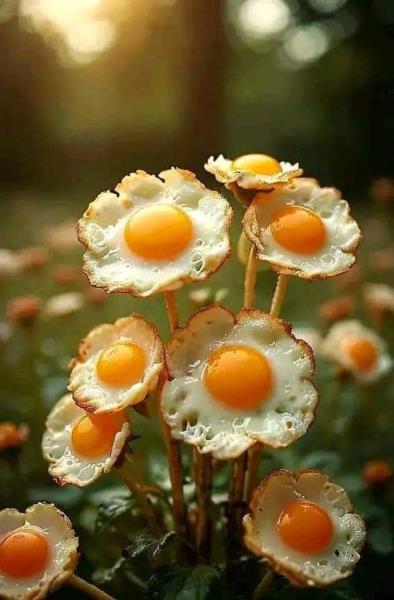
A request for a photo of Egg Flower soup produced an interesting result. Perhaps this
could be genetically engineered for vegans?
I've been gradually taking my old cartoons (mostly from the 1970s) and reimaging them as AI photos.
I did a couple of elephant jokes back then; this was an image I didn't use for that but thought was funny
anyway.
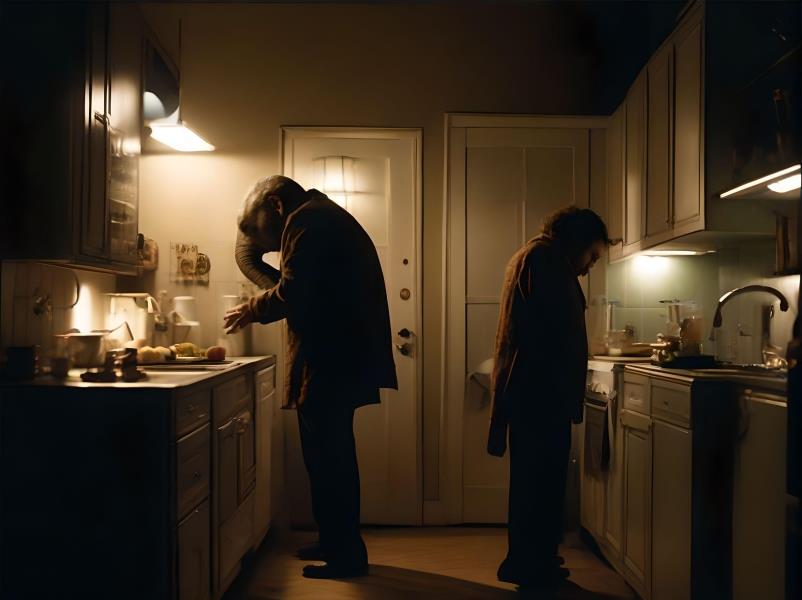
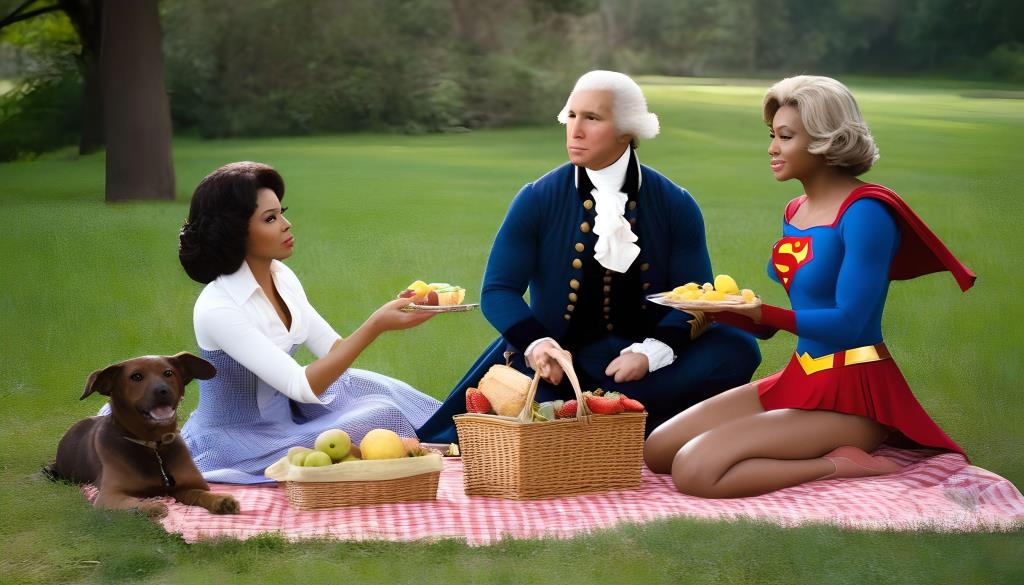
When I wanted an illustration of three people who have little in common having a picnic,
among the names I tossed out were Michelle Obama, George Washington and Supergirl.
I didn't use this one, mostly because it was so bad. But, think about it—no one would
ever be fooled into thinking this was a news photo of an actual occurrence.
While I'm sure undetectable AI fakes will come around eventually, they aren't here yet.
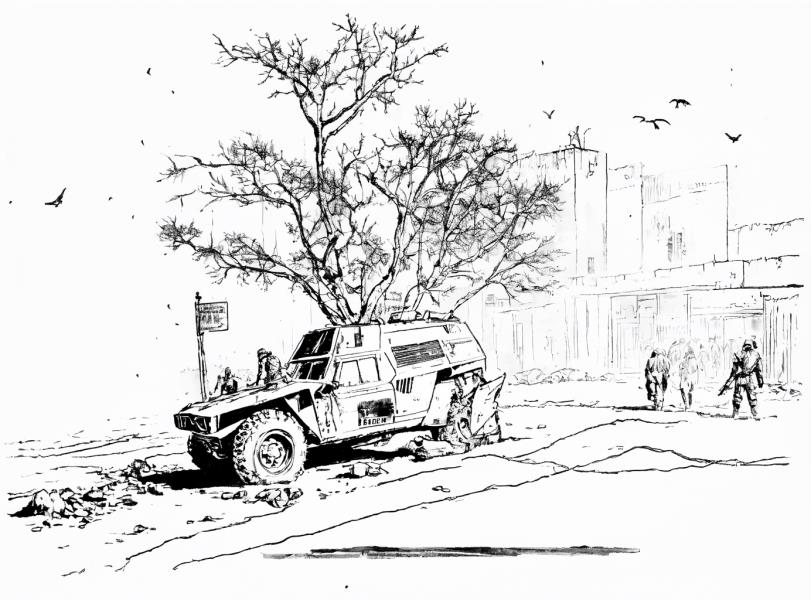
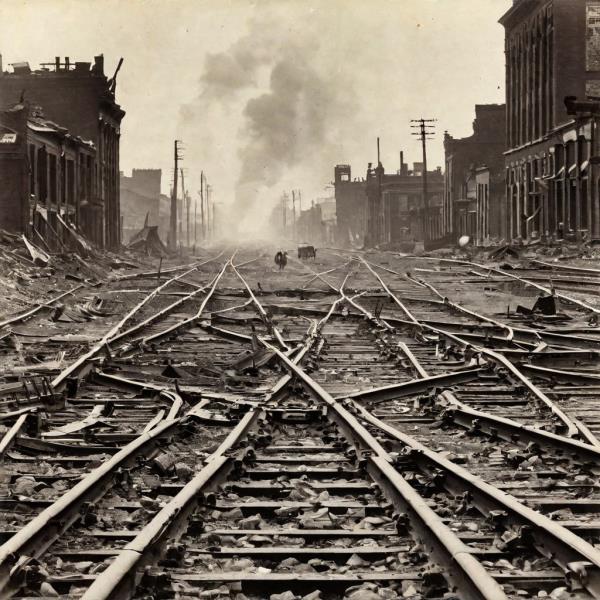
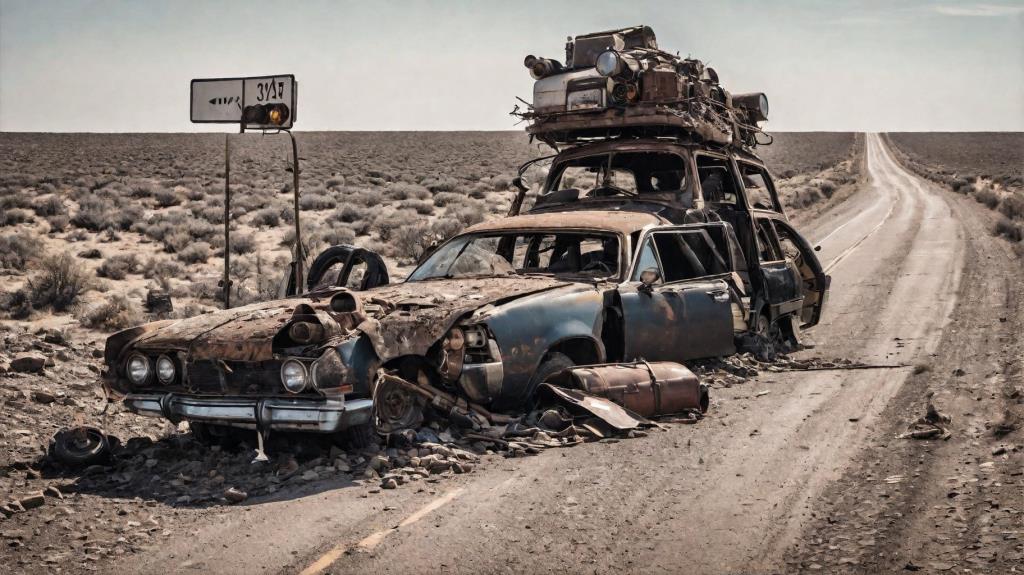
When I was adding illustrations to my truck driving journal a couple months ago,
I asked for a few illustrations of various things I'd encountered: An old truck with
a tree growing out of it; a mess of railroad tracks; a pile up on an old road. I couldn't
use these but still thought they were visually interesting:
Okay, so yesterday I came upon my 8th grade school photo, and wanted to clean it up and
colorize it. It was black and white as they all were, those days; and printed on an embossed
paper with a texture to it. Scanning the photo picks up the texture; colorization is
easy but removal of noise like that can be tricky. Topaz Photo AI got rid of it on my face as
part of its facial enhancement routine. But it was still on my clothes, neck and the background.
I decided to simply remove the entire background. In digital photography, when you erase something
you simply give it a new color
: transparent. (Think of it as a paint artist's paint
remover.) You can then put a picture of something on top of or behind it. These are called layers;
and they are combined to produce the finished result. (This is analogous to overpainting.)
In this case I would have two layers: The photo of me cut out from the background, and
a new, replacement, photographers' backdrop. And I decided that I would be lazy and ask AI
to produce such backdrop instead of doing it myself.
Give me a photographic portrait backdrop, light blue.
I began by asking DALL-E from ChatGPT.
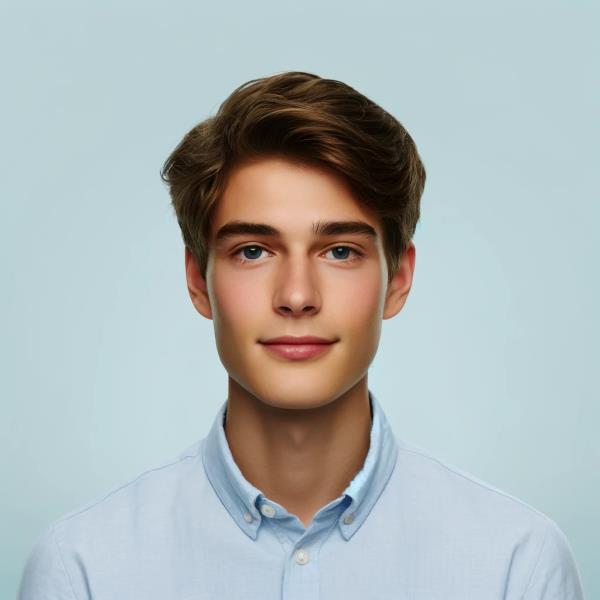
As you can see, it gave me a whole portrait. No, I don't know that person!
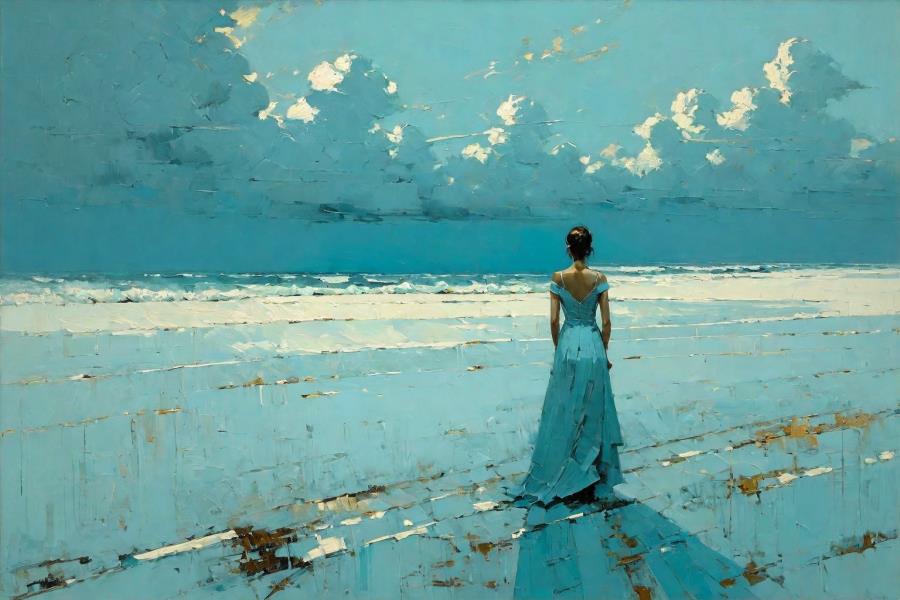
So I tried Hotpot.ai, with more detailed instructions:
A plain, light blue background suitable for a formal portrait. Just
the background, please.
And this is what I got. It's actually a lovely painting.
But it has nothing to do with my request!
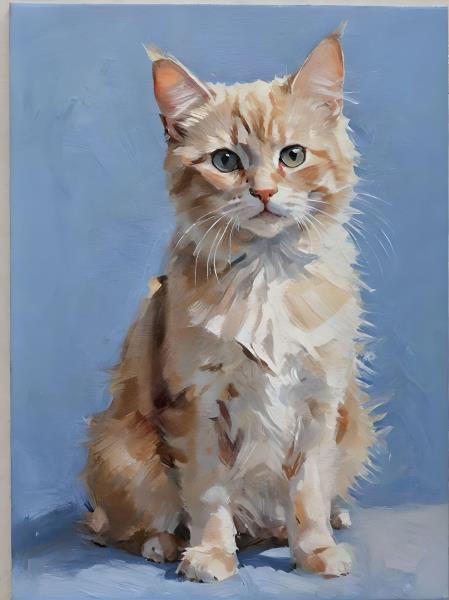
Fotor, which gives me good results at least half the time, also couldn't understand why I
would just want the backdrop.
But finally I thought to try another, modified, version of DALL-E.
And this time, I got what I wanted. After at least a half-hour of trying, to get
something I could have made in 5 minutes with Zoner Photo Pro (my go-to
editing software).

So, now I was able to combine the elements to get this result:
The AI folks urge us to use their tools by providing a complete description of
exactly what we want to see. I've tried that, as you can see above, but
frankly it seldom works, at least, not on the first few tries. I've had better
luck by requesting the elements I need separately, then using Zoner to assemble
them into a finished piece.
For example, a project I've been working on is called Holidays With Coffee
.
Asking for a leprechaun drinking coffee (for St. Patrick's Day) was easy and worked.
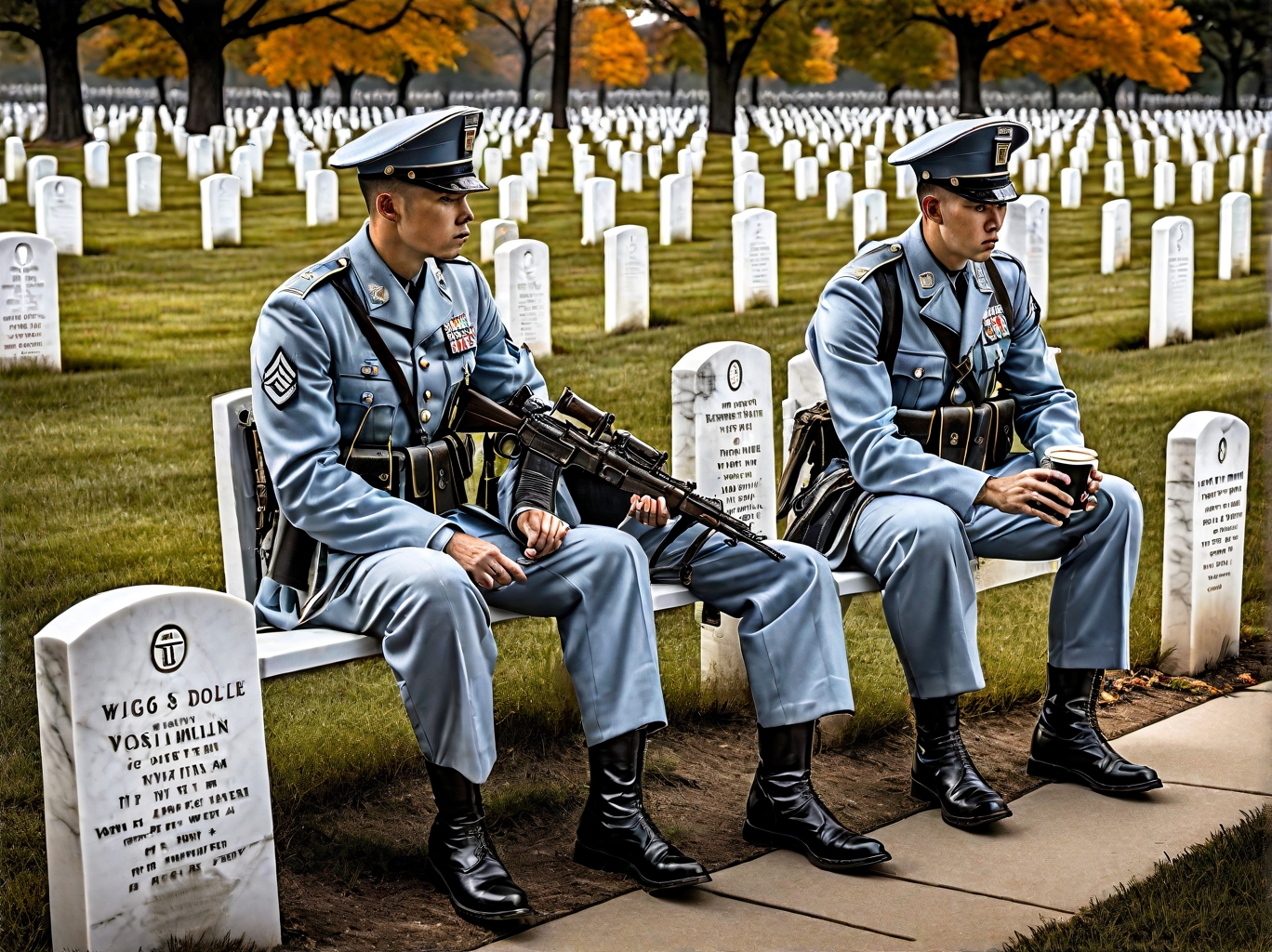
But when I requested semi-transparent Civil War and Vietnam War ghosts drinking coffee in Arlington
National Cemetery (for Memorial Day), the results were a wild mish-mash of soldiers,
gravestones, coffee cups, and ethnicities. Even the best result (from Hotpot)
presented both soldiers as Asian, and in uniforms from no war ever.
And nothing was transparent, semi or otherwise.
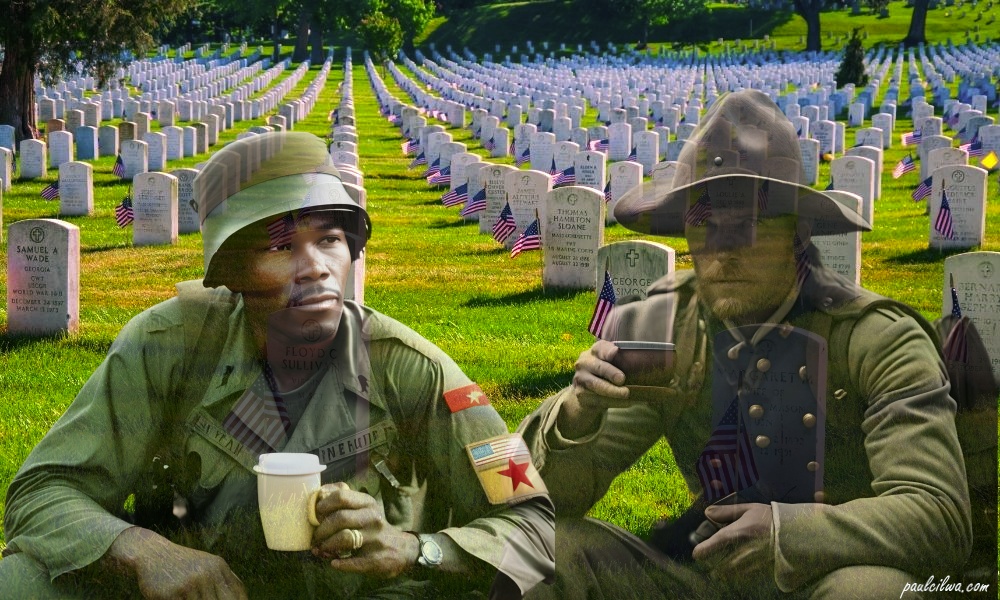
So I went simple. I requested a white Civil War soldier drinking coffee (no problem),
and then, in a separate request, I asked for a Black Vietnam war era soldier
drinking coffee. I then found a photo I'd taken years ago of Arlington Cemetery,
adjusted the colors so they'd match the soldier photos. I removed the background
from the soldier photos (with Fotor, which does a really nice job of that),
placed them as two layers above the Cemetery, but then I reduced the opacity
of the soldier layers to render them semi-transparent. And this
was my result, and I'm happy with it:
We are in this exciting new technology's infancy, and I'm having a ball with it.
I'm so glad I didn't miss this!