|
By: Paul S Cilwa |
Occurred: 4/12/2024
Posted: 4/24/2024 |
|
Page Views: 508 |
| Hashtags: #Autobiography #Internet |
| I got a new computer just in time to not use it. Also: Dog pictures! |
| Estimated reading time: 5 minute(s) (999 words) |
So, let's unpack this. First of all, what is a GPU, how does it differ from a CPU,
and why would anyone care?
CPU stands for Central Processing Unit
, and since the beginning the CPU has,
indeed, been the central component, as it directs all the other components that
make up the computer. (These include clocks, input/output channels, and so on.)
CPUs are very powerful; and, these days, come with up to 32 cores
, each
one a virtual CPU in its own right, that run in parallel to get tasks done much
faster than if each had to be done sequentially.
The GPU (Graphics Processing Unit
), today's titan of parallel processing,
began its journey in the mid-90s when the first 3D add-in cards were introduced,
marking a shift from the 2D graphics of old to a new era of immersive 3D experiences.
Initially, these GPUs were simple creatures, designed to accelerate the rendering
of polygons for the burgeoning video game industry. The term GPU
was
popularized by Nvidia in 1999 with the release of the GeForce 256, hailed as the
world's first GPU, a single-chip processor capable of transforming and lighting 3D scenes.
No longer confined to the realms of gaming, modern GPUs are the workhorses behind the
scenes of major advancements in AI, deep learning, and high-performance computing.
They've grown from fixed-function pipelines to highly flexible and programmable
platforms, enabling them to tackle a wide range of tasks beyond graphics, such
as simulating the human brain's neural networks or powering the complex calculations
required for scientific research.
Or to put it in more personal terms, running Topaz Video AI on a movie available
only at DVD resolution of 480p to upscale it to a more watchable 1080p (or, more
accurately, 1080ai) took about three days' time on my best BeeLink Mini; with
a GPU like my new one, it will only take about 8 hours.
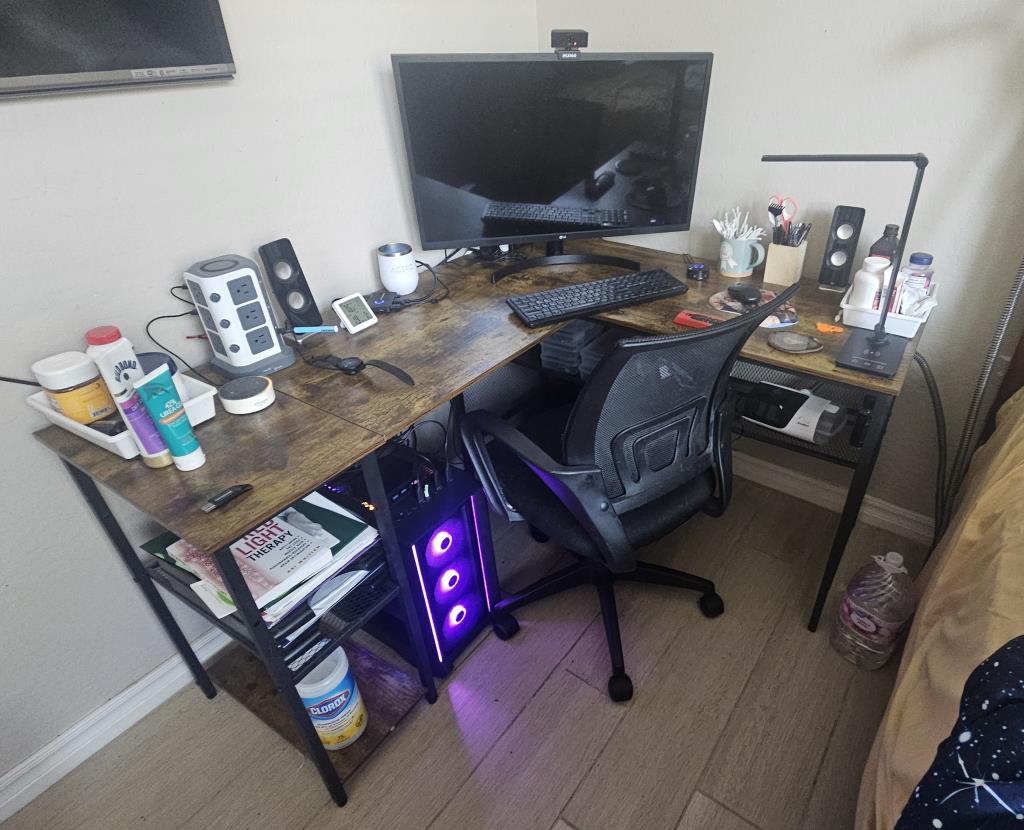
And it fits nicely under my desk! And also puts on a light show, because, technically,
it is a gaming computer, even though I am not a gamer and will not be playing any
games on it.
Now, since I have two computers at one desk (the other mini is in my Vernon Room
),
where there's only room for one monitor, keyboard and mouse. So I also needed,
and got, what's called a KVM
switch. This is a nifty device that
stands for Keyboard, Video, and Mouse. It's like a magical tech conductor that
lets one control multiple computers with just one set of peripherals—that
means one keyboard, one monitor, and one mouse. With a simple push of a button,
I can switch between different machines without the hassle of juggling multiple
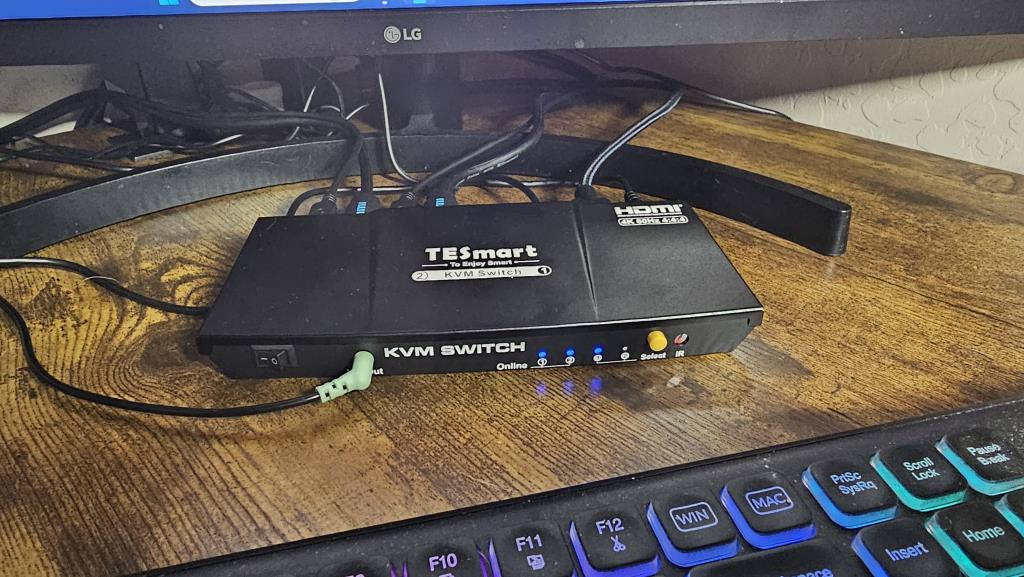
keyboards and mice on my desk. In the next photo you can see it sitting between the monitor
and keyboard.
I've known about (and used) KVM switches for years but didn't really know what the
acronym stood for. I mean, obviously the K
is for keyboard
, and I assumed the M
meant Monitor
. And the V
? Well, I pictured the guys who invented it going,
KMM
for Keyboard Mouse Monitor
doesn't sound good. Hey, what are mice, but vermin?
How about KVM
? But it turns out the M
stands for mouse
and the V
stands for video
.
Now, these days, most people use a wireless keyboard/mouse combo that requires just
one USB dongle. That leaves a spare connector on the KVM switch, which is designed to
accommodate separate, wired, units. But that's great, because that way I can connect my
webcam/microphone to it and have that device, as well, follow me from one computer to the other.

Okay, so now I've got the new computer wired and ready to go. I just need to download and install
about 38,004 updates and apps. But wait—my room in the house is about as far from
our internet/wifi router as one can get without being in the neighbors' house. But these homes
were wired with the older ethernet technology, which is still much faster than wifi.
So I asked Zach to connect the house cable leading to my room, to the router.
And, in trying to do so, the fiber-optic cable broke.
So, now, the whole house is in informational darkness. No wifi, no internet, no TV shows or
YouTube or online gaming. And Cox Cable says they can't be here to fix it until Monday.
So that's it then! No computing this weekend. I can still do local stuff, like programming
for myself and writing this blog post. But I won't be able to upload it until Monday.
So: Time to hang out in the back yard with the dogs!
Ella is trying to figure out how to get over the new little fence to swim in the pool.
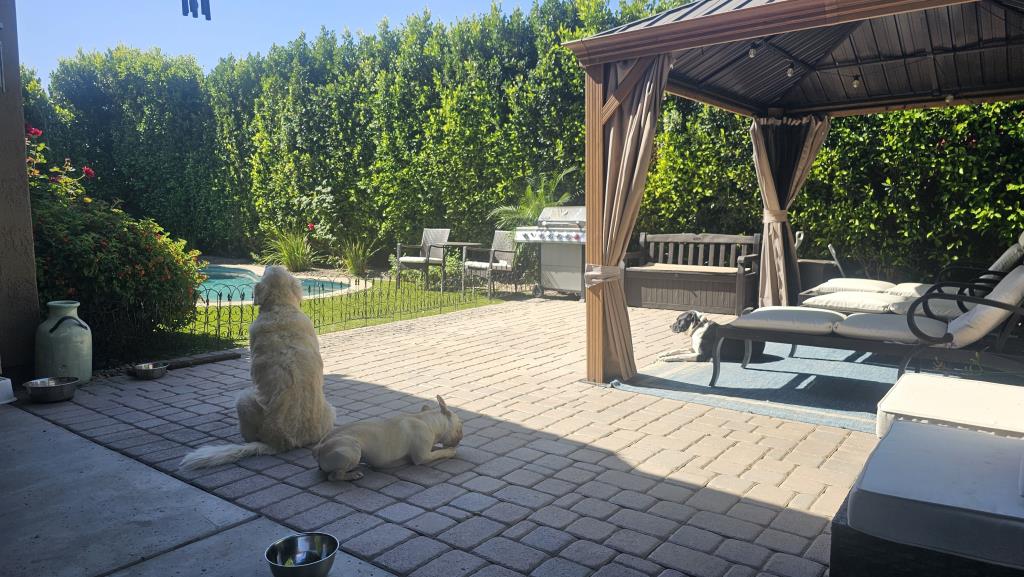
Lilly just loves lying in the sun, especially if I'm out there with her.
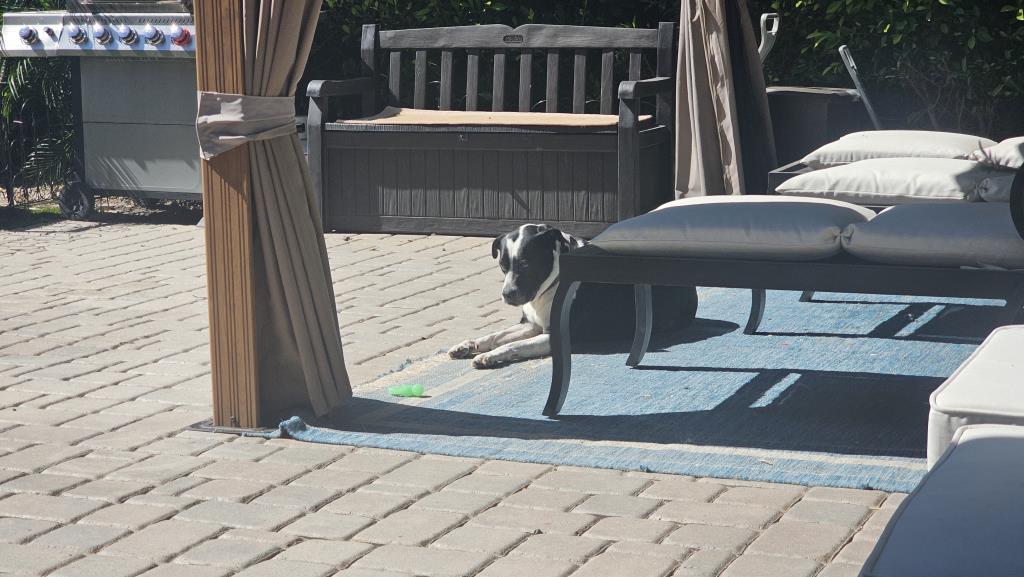
And little Finley, just over a year old, is still exploring.
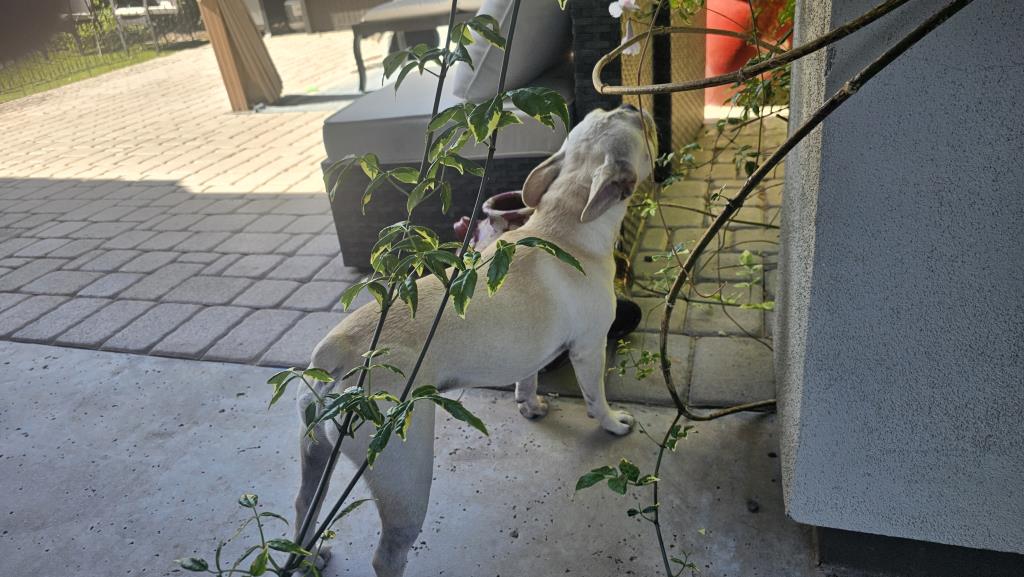
…and driving his big sisters crazy playing with them.
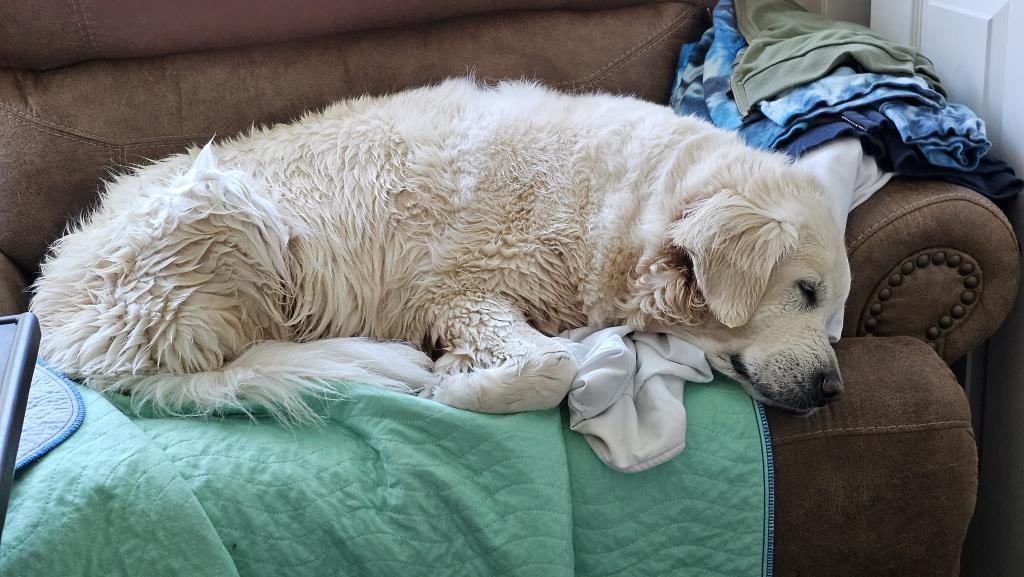
And, of course, Ella did manage to find her way into the pool.
Then she swims around and around, barking with sheer joy, until she gets tired
and collapses.
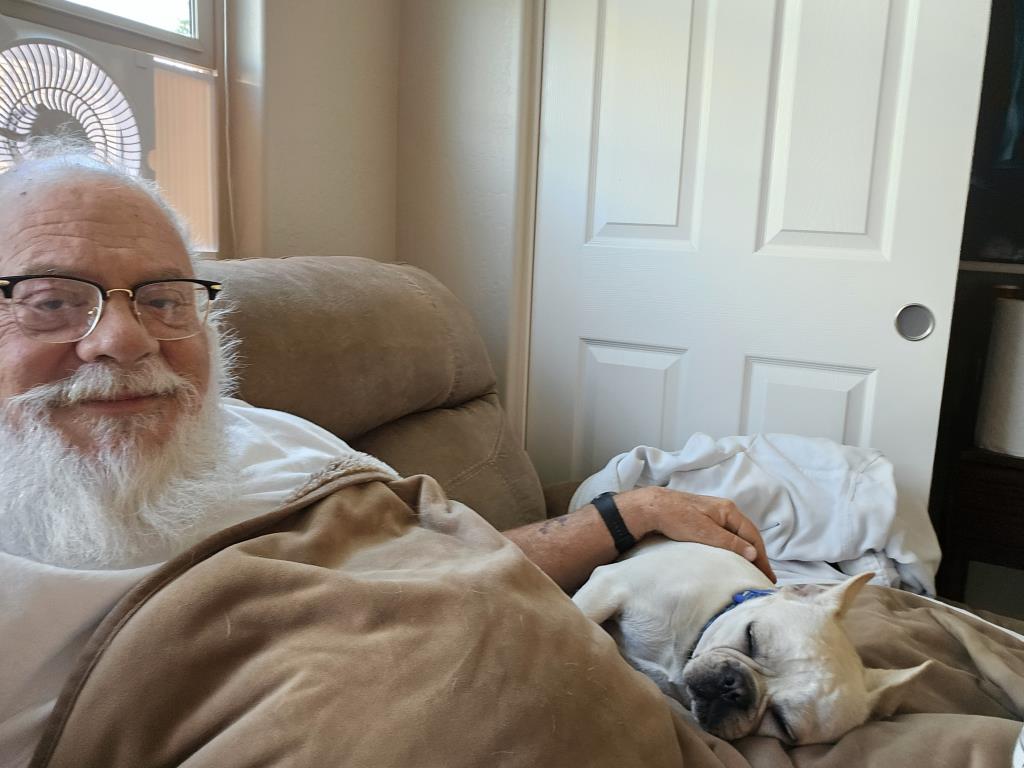
Finley doesn't swim, but he runs around and around the pool following Ella,
so he gets exhausted, too!

Today was fun. Maybe I won't wait for the internet to go down before doing
it again!