|
By: Paul S Cilwa |
Posted: 5/1/2024 |
|
Page Views: 408 |
| Hashtags: #Computers #HardDrives #SSDDrives |
| About the components inside your computer that provide its 'long-term' memory for performing tasks. |
| Estimated reading time: 3 minute(s) (501 words) |
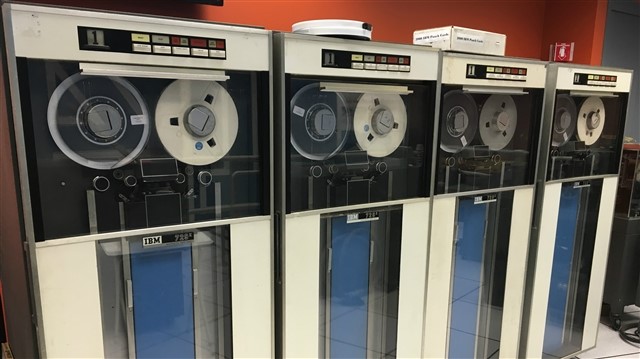
Prior to the development of the hard drive, bulk data was stored on magnetic
tapes. (And, before that, on punch cards!)
But the tapes themselves were bulky, and had to be mounted on a tape
drive as needed, by a person, making it an expensive and time-consuming
operation.
The world's introduction to actual hard drives began in 1956 with IBM's RAMAC,
the first commercial computer to use a moving-head hard disk drive. The evolution of
HDDs has been marked by an increase in data density and a decrease in physical size.
From the 24-inch wide platters of the RAMAC to the 3.5 and 2.5-inch drives we use today,
hard drives have undergone a significant transformation.
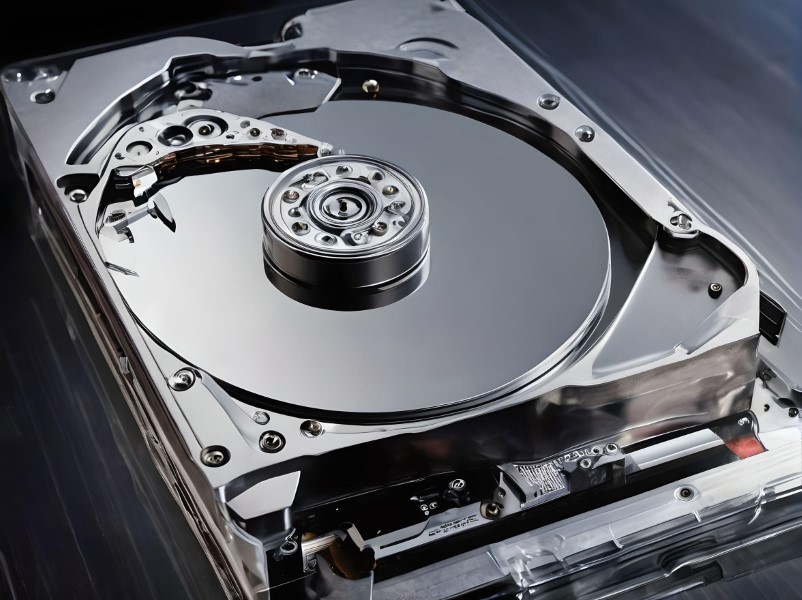
Inside a traditional HDD, platters coated with a magnetic material spin at speeds
measured in revolutions per minute (RPM). The computer's read/write heads must wait
for the correct section of the disk to rotate into position before data can be accessed
or written, which introduces latency. This is akin to sending your mom
a text and then having to wait for her to get around to finding her phone,
realizing she has a text, reading the text, answering it, and remembering to hit
'Send'.

To mitigate this latency, hard drives are equipped with a cache, a small amount
of fast memory that stores frequently accessed data. Think of it as a quick-access
pocket in a backpack, allowing you to grab your keys or phone without rummaging
through everything else.
More recently, the development of Solid-State Drives (SSDs) marked a significant shift
in data storage technology. SSDs use flash memory to store data, which allows for
faster access since there are no moving parts. Data in an SSD is accessed almost
instantaneously, leading to quicker boot times, faster file transfers, and overall
snappier performance.
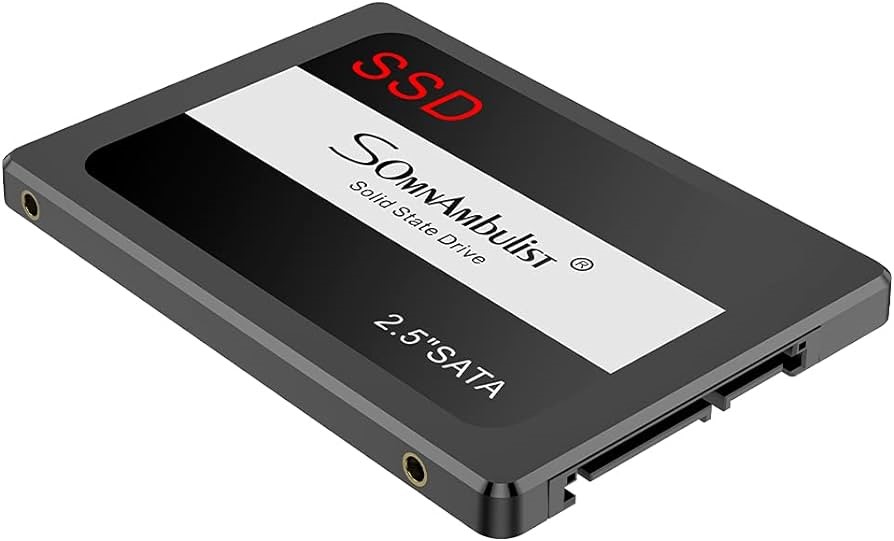
Unlike HDDs, SSDs don't rely on magnetism or moving parts. This not only makes them
faster but also more durable and resistant to physical shock. They're also quieter
and consume less power, making them ideal for laptops and mobile devices.
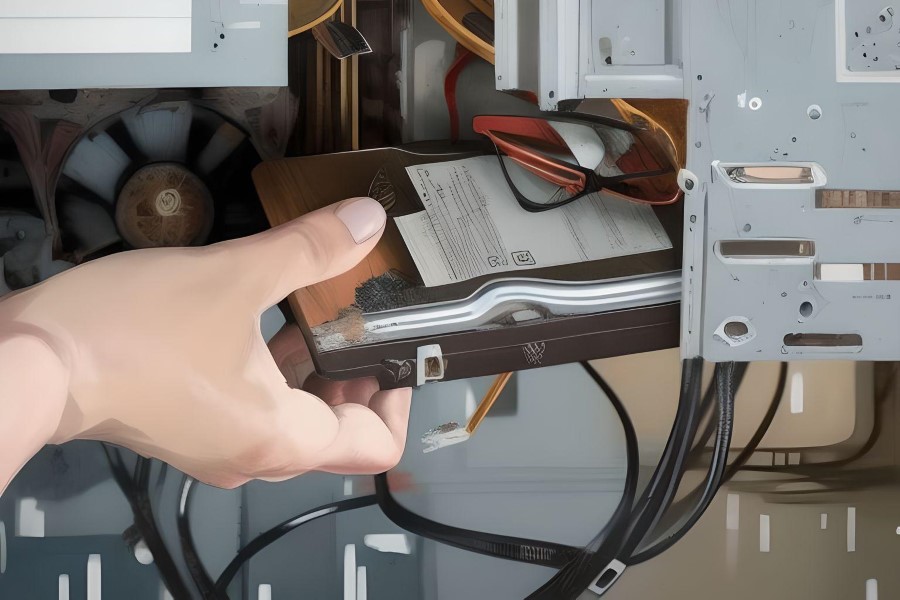
Installing both HDDs and SSDs involves similar steps: mounting the drive in the
computer's case, connecting it to the motherboard via a SATA cable, and connecting
a power cable from the power supply. However, SSDs offer more flexibility in
placement due to their compact size and lack of moving parts.
While HDDs have served us well for many years, the future is leaning towards SSDs.
As SSD technology continues to advance and prices fall, they are becoming the preferred
choice for both consumer and enterprise storage solutions.