|
By: Paul S Cilwa |
Posted: 11/5/2026 |
|
Page Views: 29 |
| Hashtags: #AI #Claude #Programming #SoftwareDevelopment #DesktopMinder #Windows #History |
| Programming projects once took an army. Then a platoon. Now, with an AI coding assistant, one programmer can be the whole team, and I have proof. |
| Estimated reading time: 7 minute(s) (1581 words) |
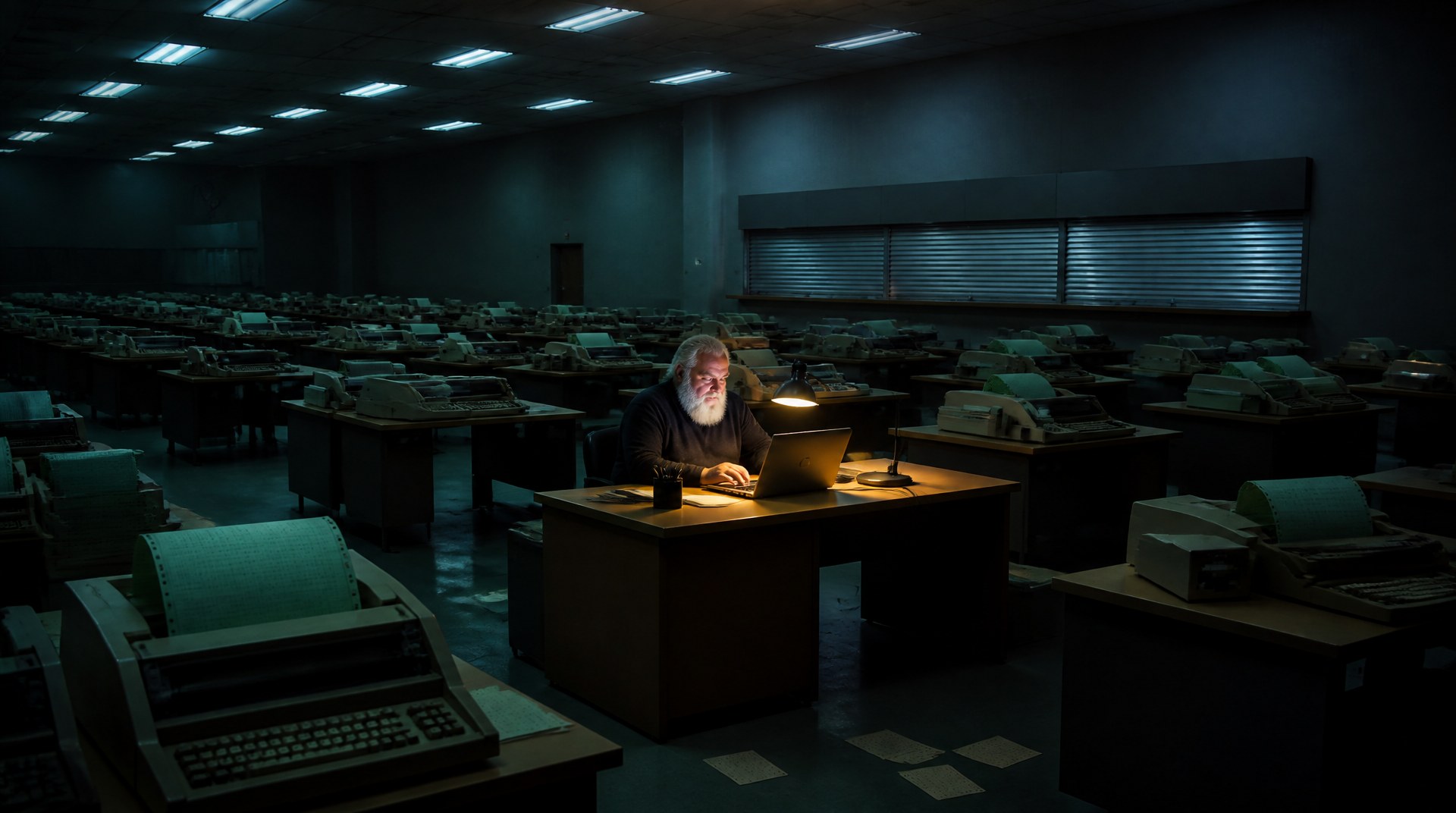
Nor did it help that the user interface had been designed on a Macintosh, for a
Windows program, and made you choose from two different menus before you could do
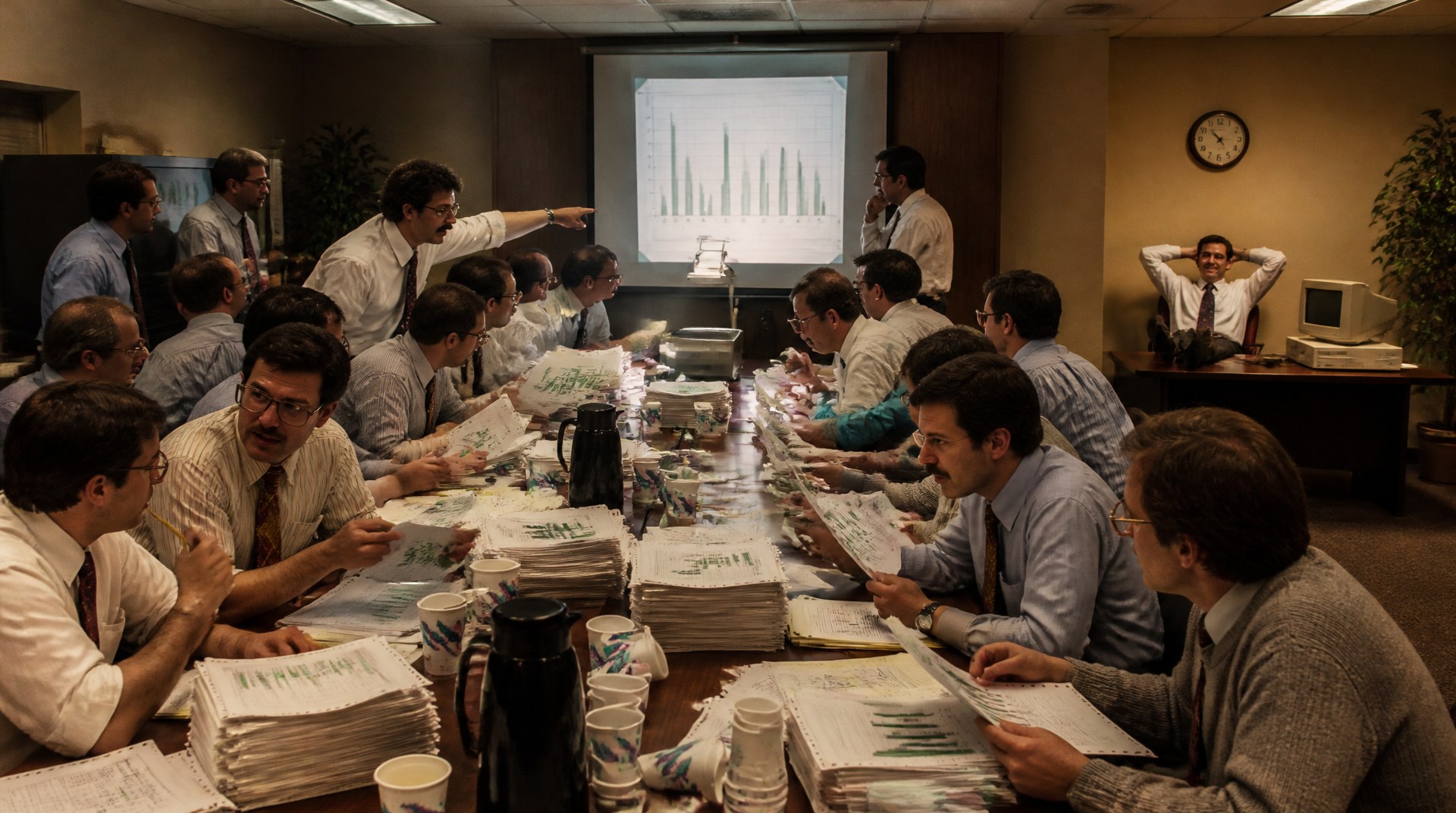
anything at all. But it was the meeting that did it. That was when I first
understood that things didn't have to be this way.
The Army and the Window
When I took my first programming classes, in the 1970s, there was no such thing as a
"small program". The idea that one person might write a "utility" to do a little
job, because writing the program would be quicker than doing the job, wasn't even a
dream. Projects such as a bank's accounts, a company's payroll or a brokerage's
stock tracking took dozens of programmers, sometimes hundreds, plus systems
designers to tell them what to write.
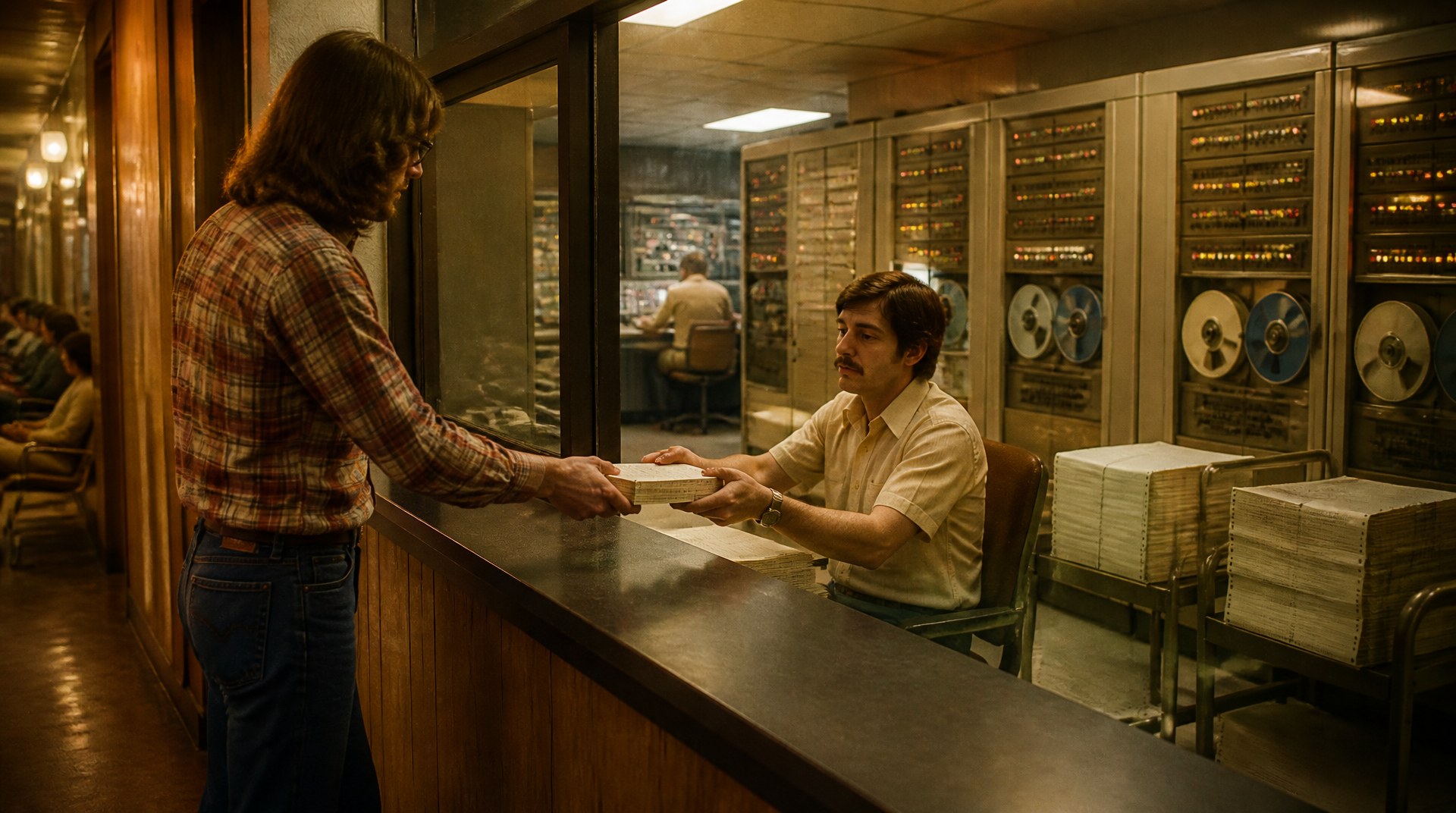
There was no user interface team, because at that time the "user interface" was the
guy at the computer room window to whom you handed a deck of punched cards—or
a box of them—on which were encoded the program and its data, or at
least the part that wasn't stored on a reel of half-inch tape the size of a dinner
plate.
Refrigerators and Desks
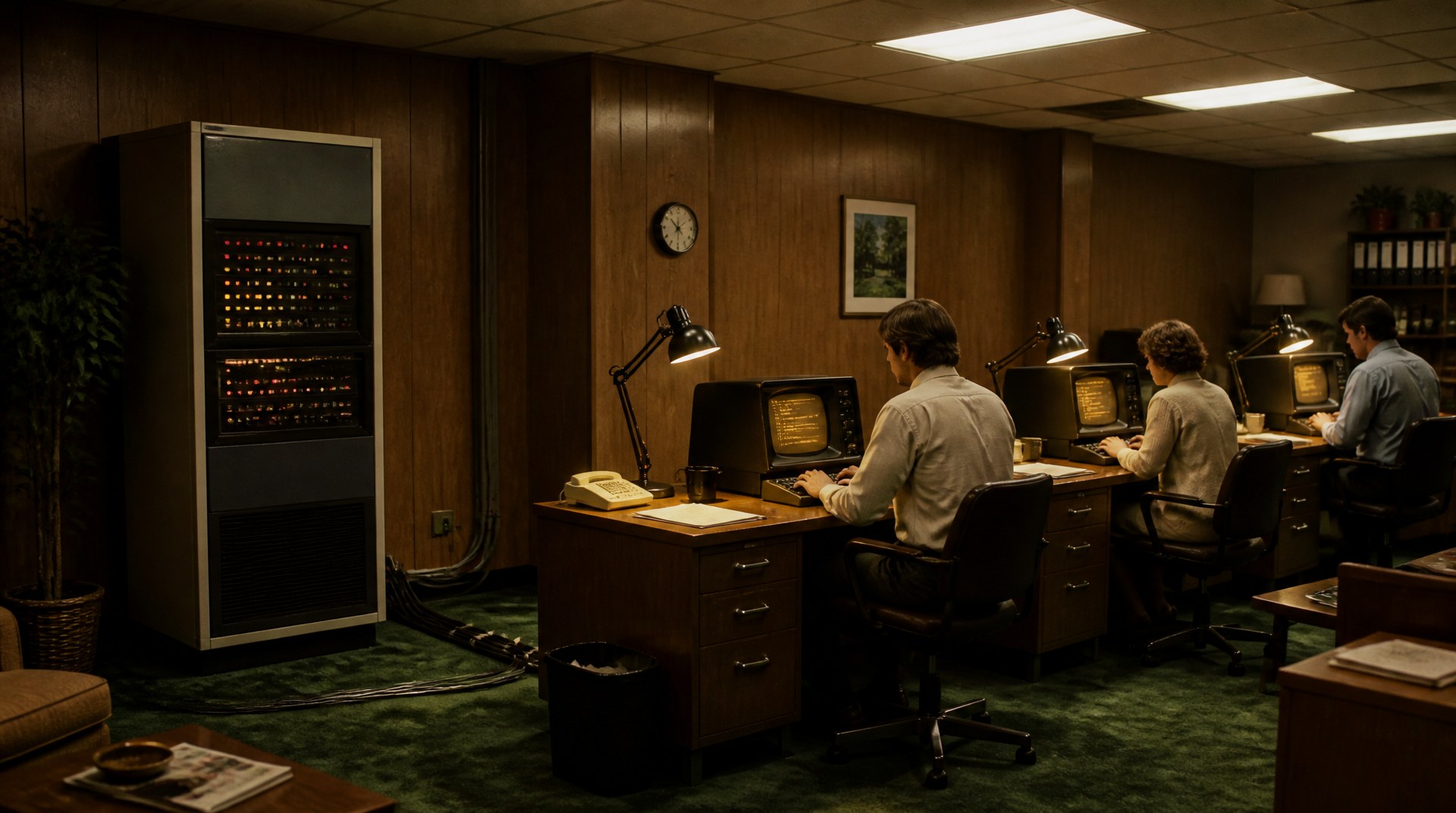
A mainframe took over a room, sometimes a whole floor of the building, and needed a
raised floor and air conditioning of its own. When I started working, minicomputers
were arriving. A minicomputer was about the size of a refrigerator and didn't need a
room of its own, only the cables running out to the new "terminals", which were
basically small TV sets attached to keyboards. Programming was still done by an army
of coders and maintainers, albeit a slightly smaller army.
Then came the so-called "personal" computers, which at the time were called "micro"
computers. (I don't know what you'd call a phone in this scheme. As far as I know,
they stopped at "micro".) Instead of requiring a room, they only required a
desk.
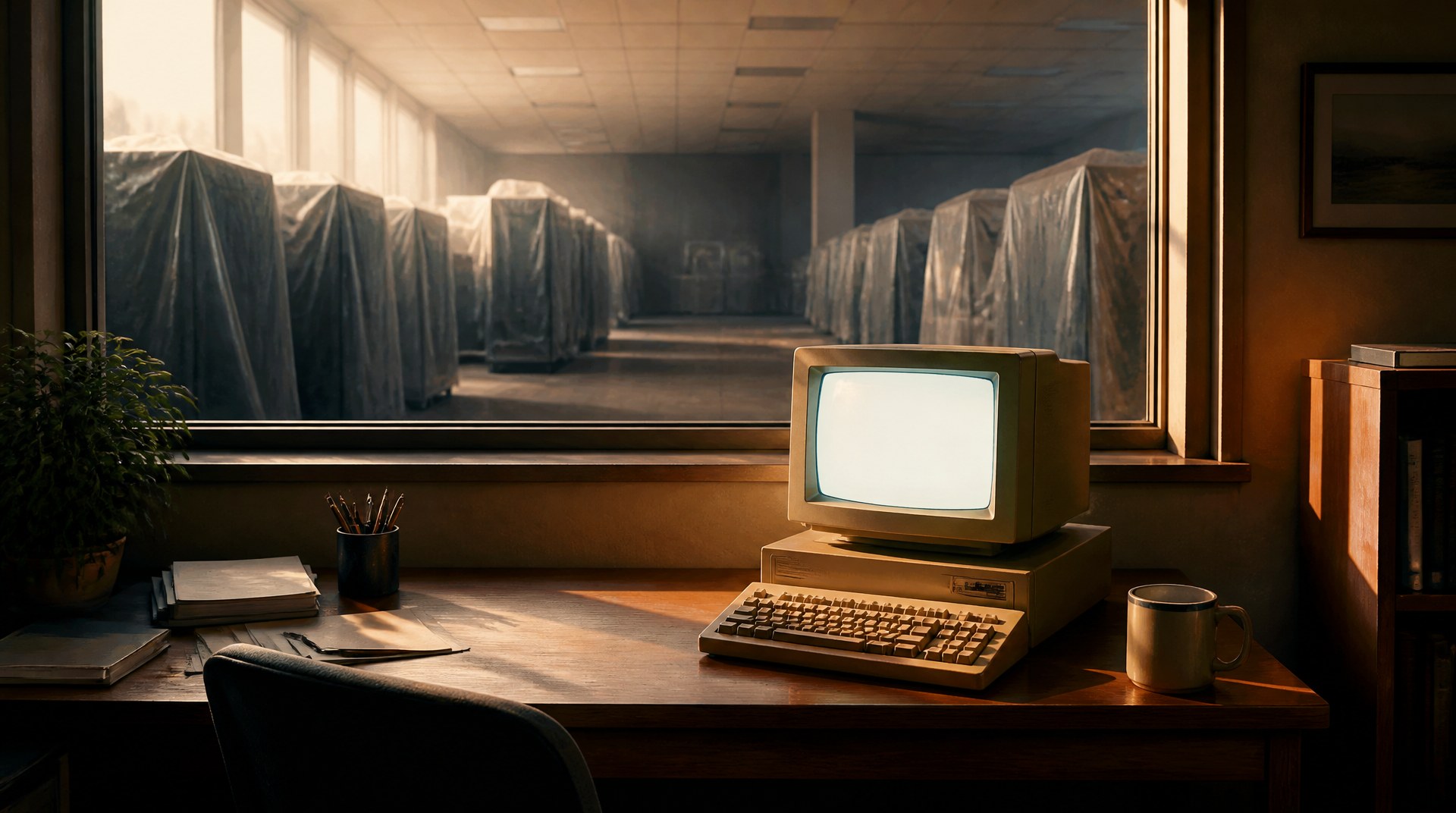
And yet, within a few years, each one was more powerful than those old bank
mainframes.
Write It Once

By the time of my first programming job, at the EPA, the languages of the day other
than COBOL—Algol, C, PL/I, even Assembler, the most primitive language of all,
above plain numbers—were procedural. That made it possible, even
simple, to write code that could be reused. For example, the EPA's mainframe "knew"
the date and time any time it was asked, but the programs in our shop had no way to
ask. A report that needed today's date had the date typed into its source, then was
recompiled and rerun, every single day. I wrote an Assembler function that a PL/I
program could call, and had it added to the mainframe's library code. Voila! That
program never had to be changed again.

A couple of years later I wrote an error-recovery routine for one of the first
Diebold ATMs, custom-built for Wells Fargo Bank
(that story is here). For
all I know it's still running in their descendants, either literally (my code, in a
library) or by descent (my logic, carried into a newer language and different
hardware).
Divide and Conquer
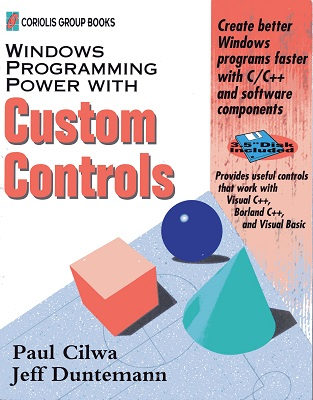
My second book,
Windows
Programming Power with Custom Controls, was about how to create custom
controls for Windows. My fourth,
Windows
95 Programming With Custom Controls, introduced a framework: C++ classes
that hid all the complexities of creating a custom control, so the programmer could
concentrate on what the control was supposed to do. It taught Windows programming as
you read, and it left you holding a working "Hello World" application that would
save you weeks before you could even start on a real one.
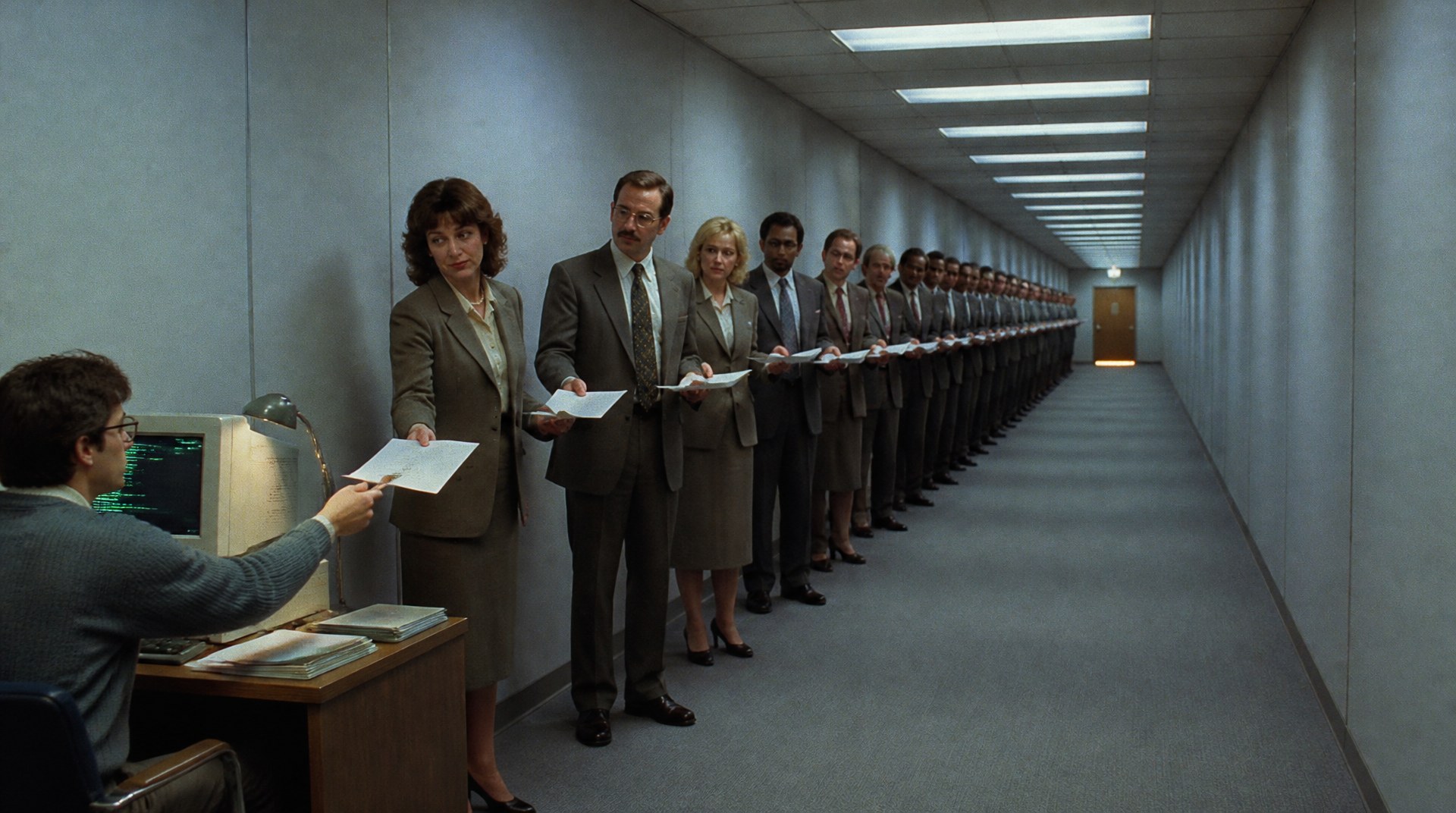
It wasn't lost on me, or on anyone who read those books, that the days of the monster
programming project were over. The only way to create something as ambitious as
Excel was to divide it into smaller projects that a one- or two-person team could
write. Those teams then needed a coordinator to make sure the parts worked
together—not counting the endless chain of middle managers between the
coordinator, who was doing the work, and Bill Gates, who presumably asked for
it.
Shoulders

So here's the path I hope you can make out through the weeds. The number of people
required to create even a massive programming project has been shrinking steadily
since the whole rigamarole began, because everything we can do now is built on
the shoulders of what came before—and I mean that literally.
My date function and my ATM routine are small examples. A bigger one is the combo
box. My toolkit didn't have one, so I made a user control, put a TextBox and a
ListBox on it, and wrote a few lines of code to make them work together. It wasn't
brain surgery. But until then, anyone who needed that combination had to drop both
controls on their form and tie them together themselves.
Does that count as an invention? If you see someone trying unsuccessfully to cut meat
with a sharp stick, and you know that striking one kind of rock against another (as
everyone does to make fire) makes a sharp edge, so you give one to your friend to
cut with, you've invented something: the stone knife. Just because other people were
putting controls together case by case doesn't mean they understood the potential of
a reusable tool. So, yes, I invented the ComboBox. It's in print.
Now the combo box is everywhere you look: on a PC, on your phone, all across the web.
It had to be rewritten for each new environment, but once the idea was out
there, and the logic of making it work was too, it was much easier to recreate.
Nobody mentioned me. You're welcome.
The arithmetic is rough, but striking. In the 1970s, one programmer was perhaps a
hundredth of a major project. By the late 1980s, perhaps a tenth of one the same
size. Today, magnified by an AI coding assistant, one programmer can be all
of it—a team of one.
The Proof
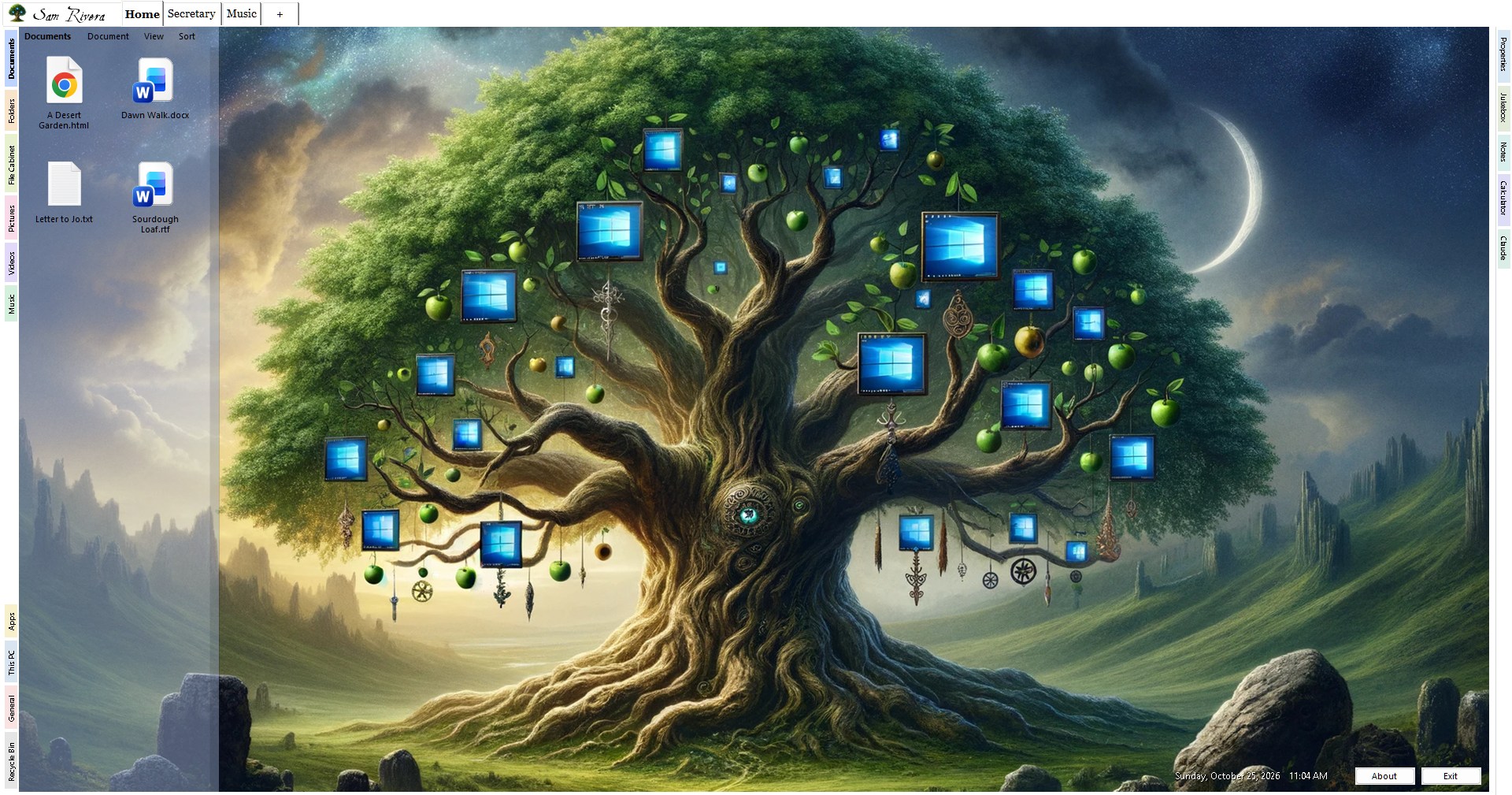
My proof is Desktop Minder. I've been contemplating it for decades, ever since I
discovered object-oriented programming; in 1995 I even started a book about it, as I
explained in The
Operating System of My Dreams. But I only started really working on it this
September, and it's all been with Claude.

Desktop Minder is a shell. If you don't know what that is, it's the program
that sits between you and the code that makes your PC's innards work—the
primary user interface between you and the machine. In Windows, the shell is called
File Explorer, and File Explorer has always been built on top of Windows' basic
library code. It runs apps, which then work on files, so it's an app-centric
shell. So is everything you experience of iOS and Android.

A shell, by design, isn't the operating system; just its face. And, much like J.D.
Vance, it can change its face easily; it just needs another one to change to.
I can't help J.D., but Desktop Minder is a document-centric shell. It doesn't
"have" apps; it has features that any appropriate document can use. (You can make a
rectangular crop of a photograph, or of a scene in a video, but not really of text
or of an audio document.)
And it's big. Desktop Minder is now about 150,000 lines of VB.NET—nearly
100,000 if you leave out the comments and blank lines—standing on about 70,000
more in CilwaLib, my own library, with another 90,000 or so of tests to keep it
honest. I couldn't have typed that much in the two months I've been at it, even if
I'd been reading it off a book.
The Next Prompt

AI has the ability to make each of us, as an individual, more powerful than we've
ever been before. It may even turn the data-center boom into a passing phase; I've
argued as much in GPU Farms and the
Future of Personal AI.
Someone's next AI coding prompt is going to be Figure out how to make a
combination CPU/GPU small enough to run on the ambient electricity in the radio
waves all around us, so the billionaires competing to build the largest data centers
go broke and we can get back to creating a paradise for everyone on Earth, and not
just the chosen few.
The physicists will have notes. So did the hundred programmers.
Desktop Minder is free, and you can read more about it—and download
it—here:
Desktop Minder
|
By: Paul S Cilwa |
Posted: 10/5/2026
Updated: 10/30/2026 |
|
Page Views: 366 |
| Hashtags: #Software #Windows #Shell #FileExplorer #Desktop #DocumentCentric #Free #CilwaLib |
| A replacement for the Windows desktop and File Explorer that is about your documents rather than your programs. Free, and a work in progress. |
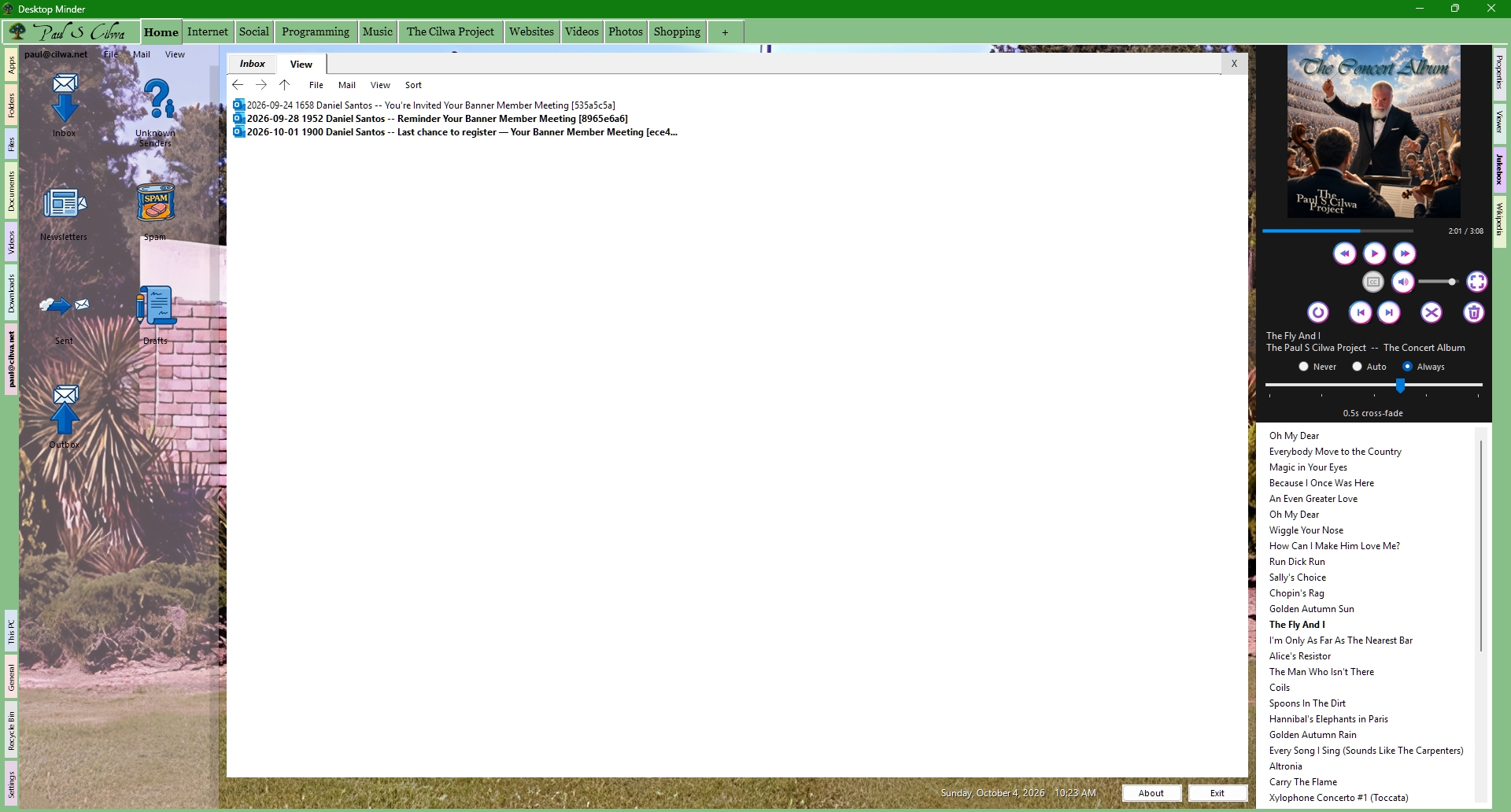
Desktop Minder is a work in progress but it's already become useful enough to me
that I use it more than File Explorer. It's intended (eventually) to be a "shell",
the User Interface that stands between you, the user, and the underlying operating system.
It normally occupies the whole screen: the wallpaper, the icons, the folders, the
thing that opens when you double-click a file. It can run as an ordinary program
in a window (good for testing), or it can be registered as the Windows shell, in which case
Explorer never starts at all and this is your computer.