|
By: Paul S Cilwa |
Occurred: 4/24/2024 |
|
Page Views: 513 |
| Hashtags: #Photography #ArtificialIntelligence #PhotoRestoration |
| How to use Artificial Intelligence to help restore old photographs. |
| Estimated reading time: 3 minute(s) (691 words) |
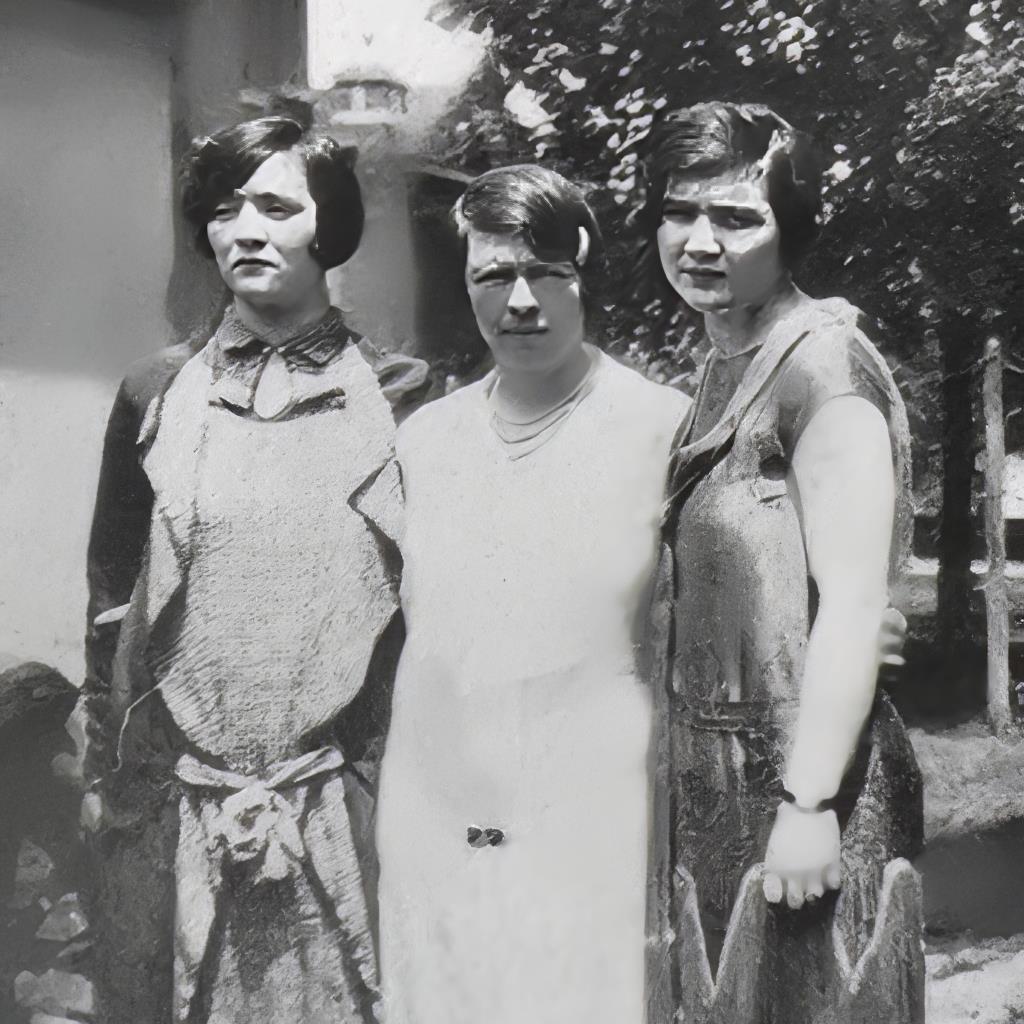
This is the original I had to work with: A faded print from 1927
(April 24th, to be precise) of my aunts Lou and Gene with their
sister-in-law, my dad's first wife, Lena. To be honest, none of the
three look happy to be there! But my task is to use AI (artificial
intelligence, if you've been living under a rock) to try and restore
it as much as possible.
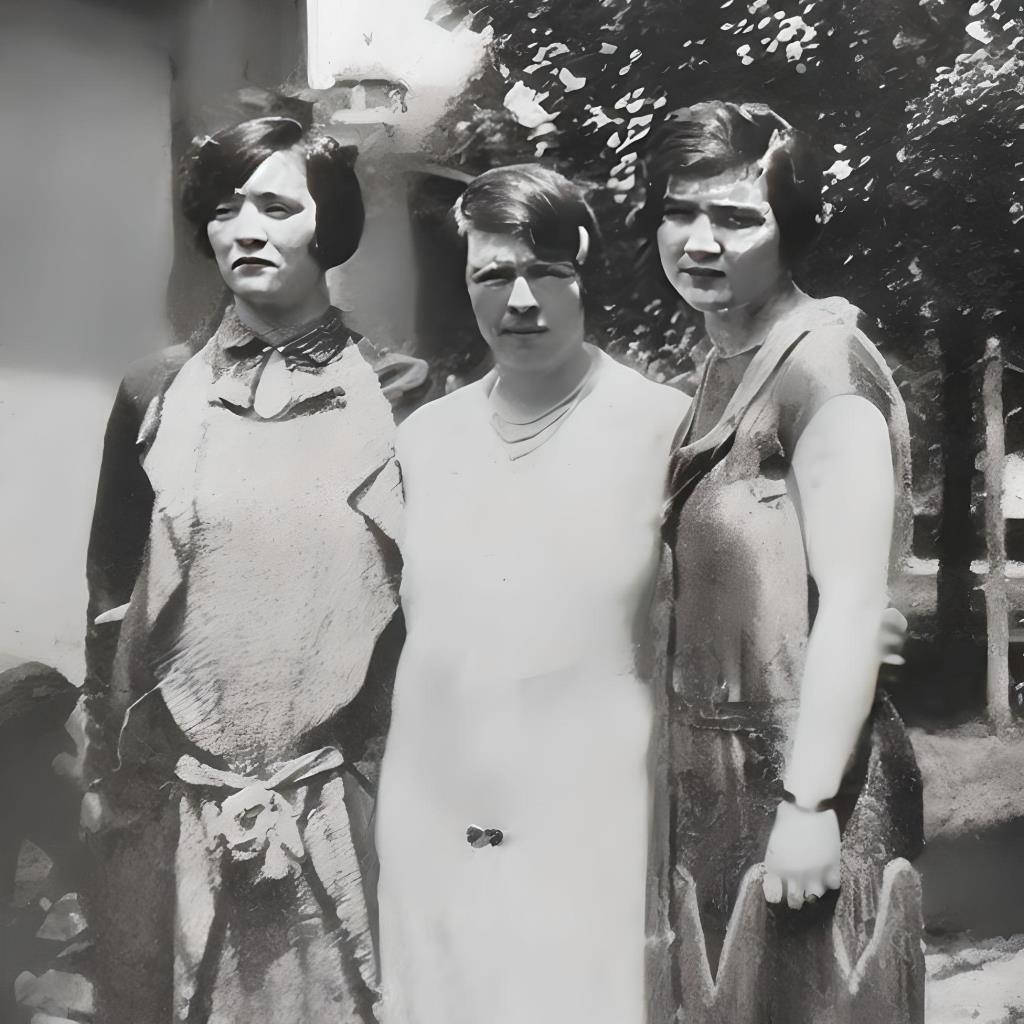
The first step was to load the photo into
Zoner Photo Pro to spot
it:
That is, to remove little specks of dust from wherever they might be.
The next step was to load the spotted image into
Fotor, which has an
image-to-image mode. You specify how much similarity you want between
your original and the product, as well as in what style you wish to
go. Here is the image after whatever processing happened with it set
to 100% similarity.
Here's 95% similarity. Notice the features are slightly less skewed.
At 85%, the image looks less like a photograph and more like an
illustration inspired by a photograph.
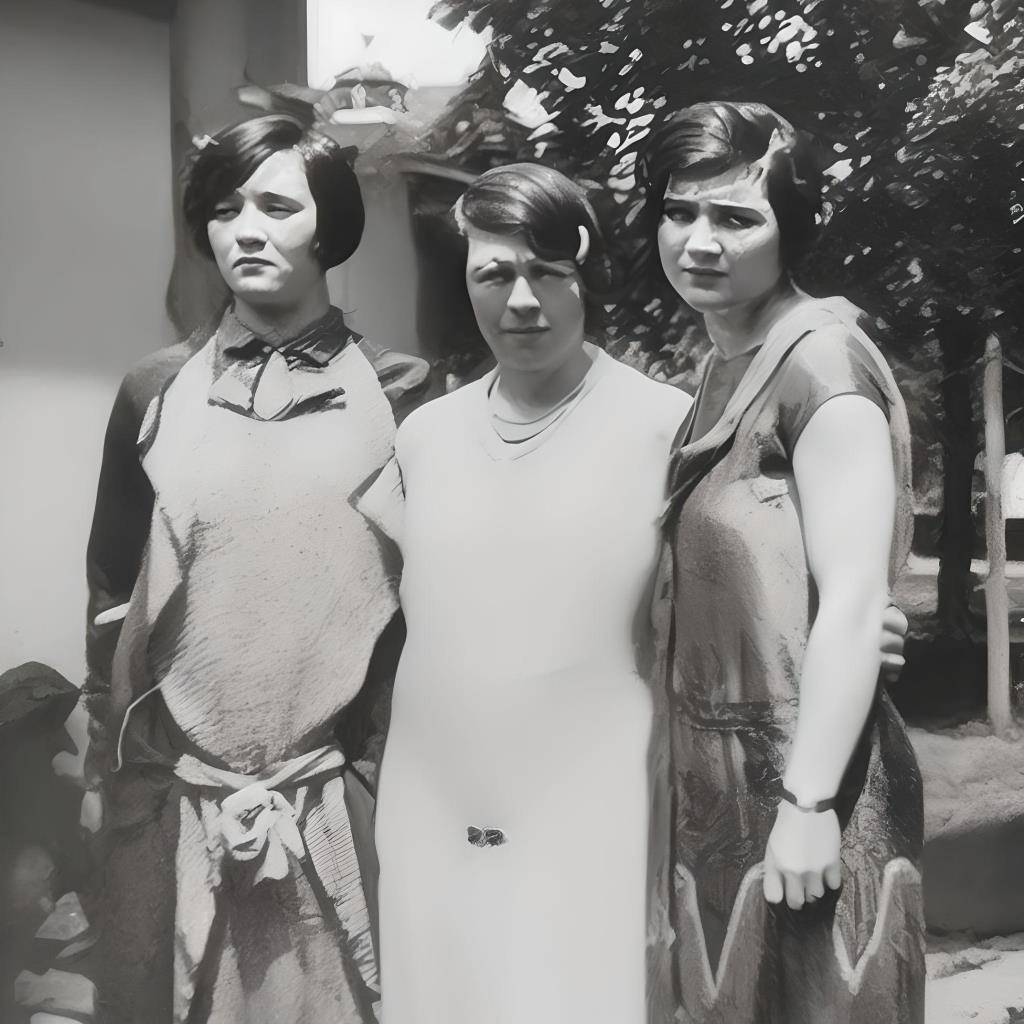
At 80%, my relatives have become cartoon characters. Obviously, I could
have stopped here, since for my purposes somewhere between 100 and
95% would be most effective. But now I was curious!
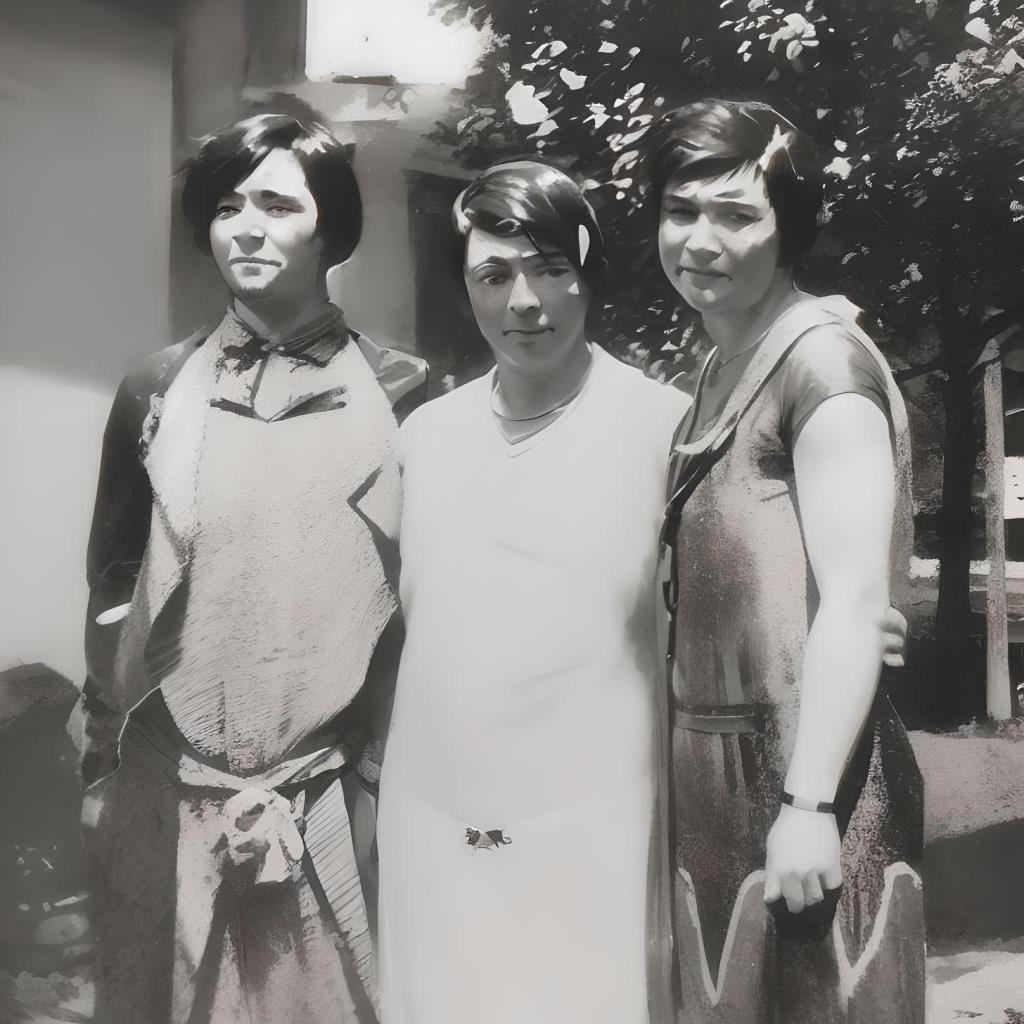
At 70%, they start to look like 1920s biker chicks.
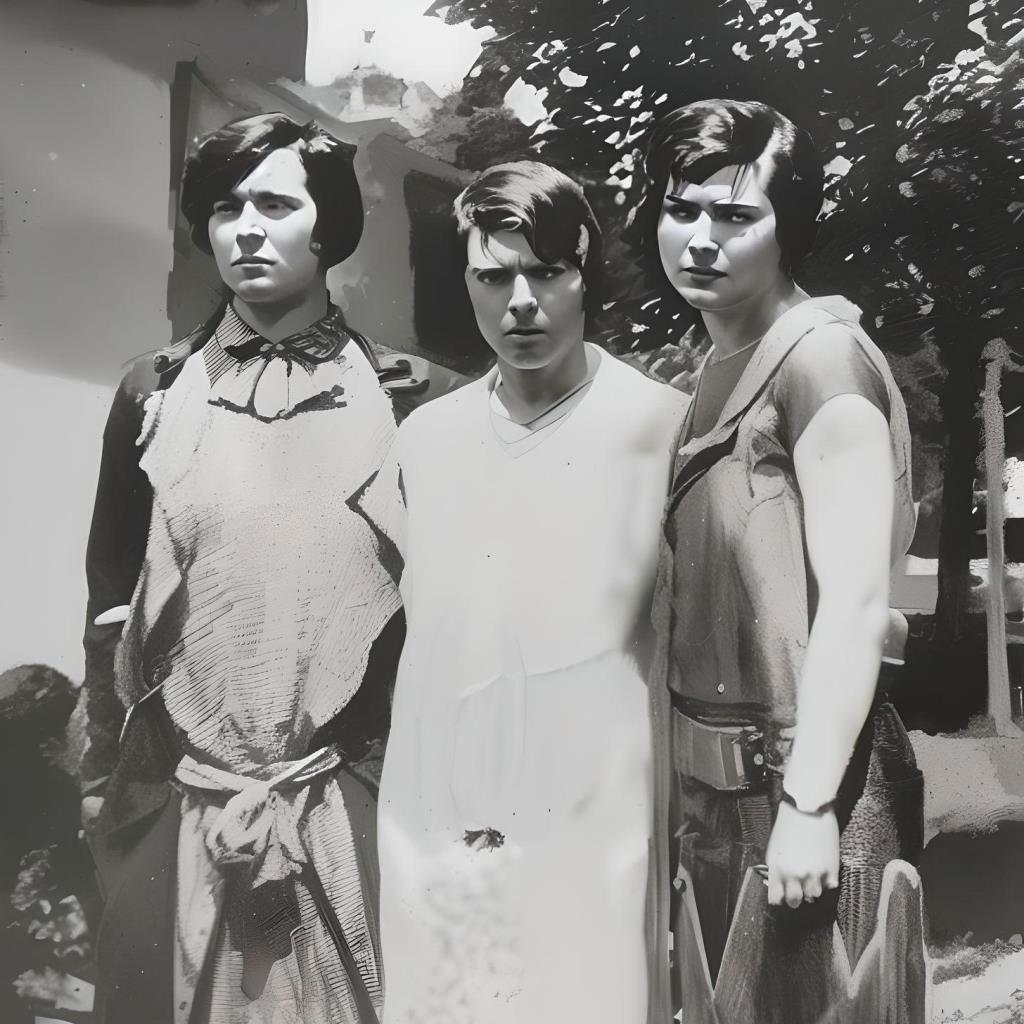
At 50% even the fact that the original was monochrome (black and
white) starts to get lost in the rendering. But ya know, I think
that they would have recognized themselves in this rendering if
they'd had a chance to see it.
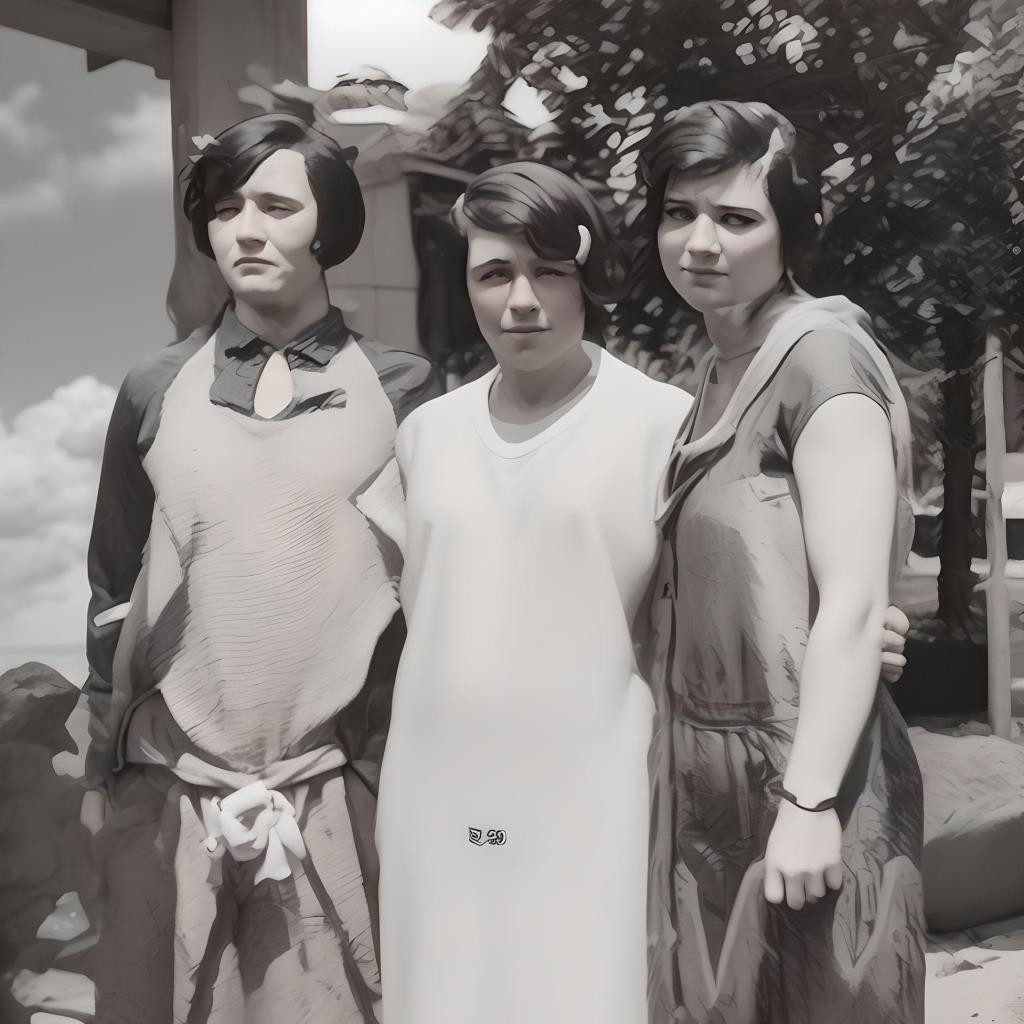
At 30% similarity, we're just going crazy. It's the same basic
composition—and yet it's completely different, and something
definitely out of Ron DeSantis' nightmares.
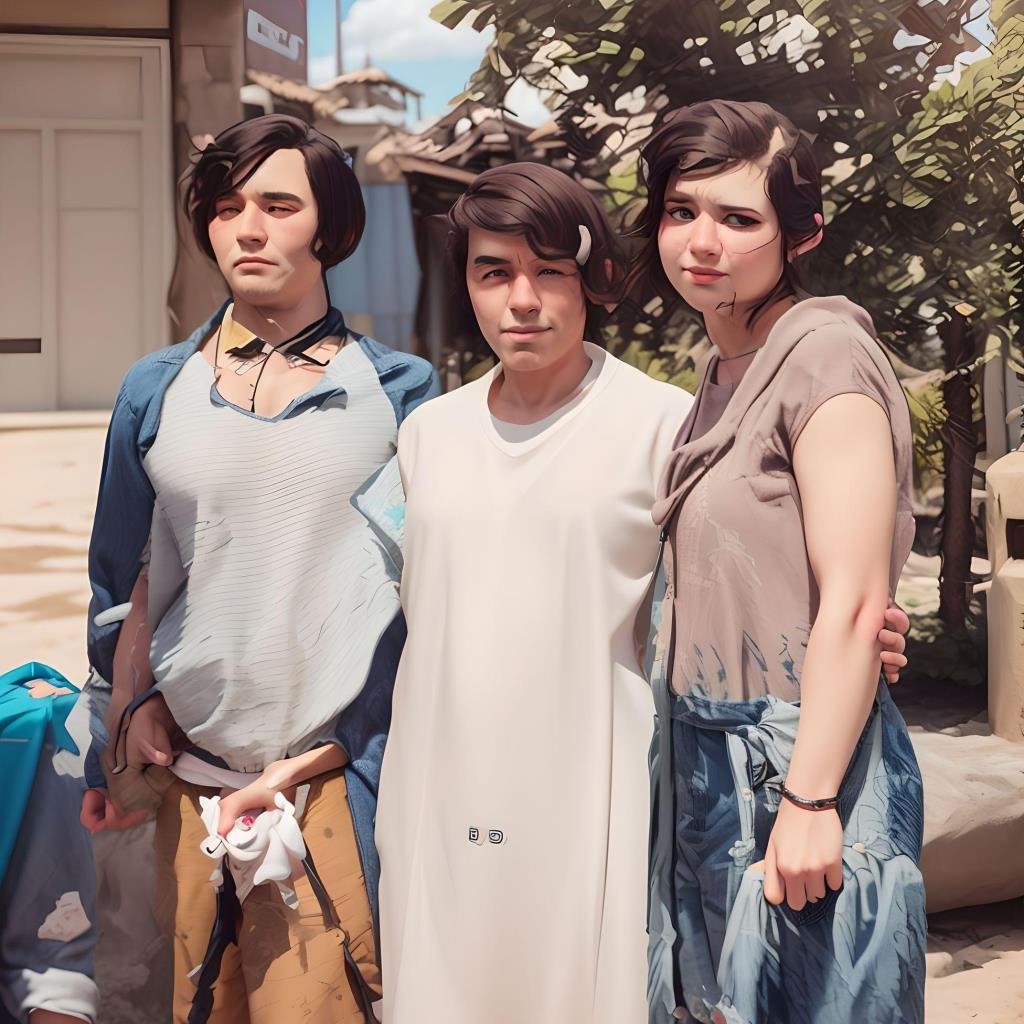
At 20% and with a different AI model, they ended up zombified!
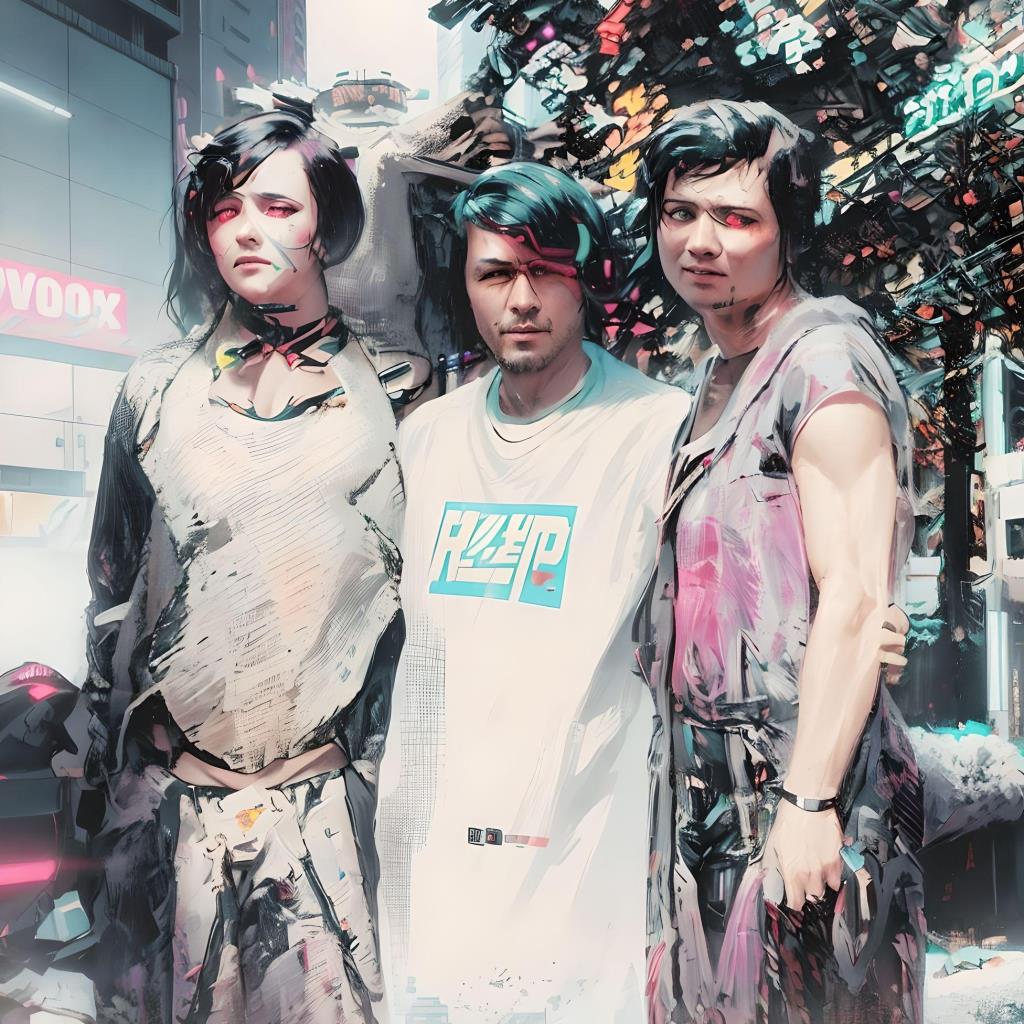
And at 15%…
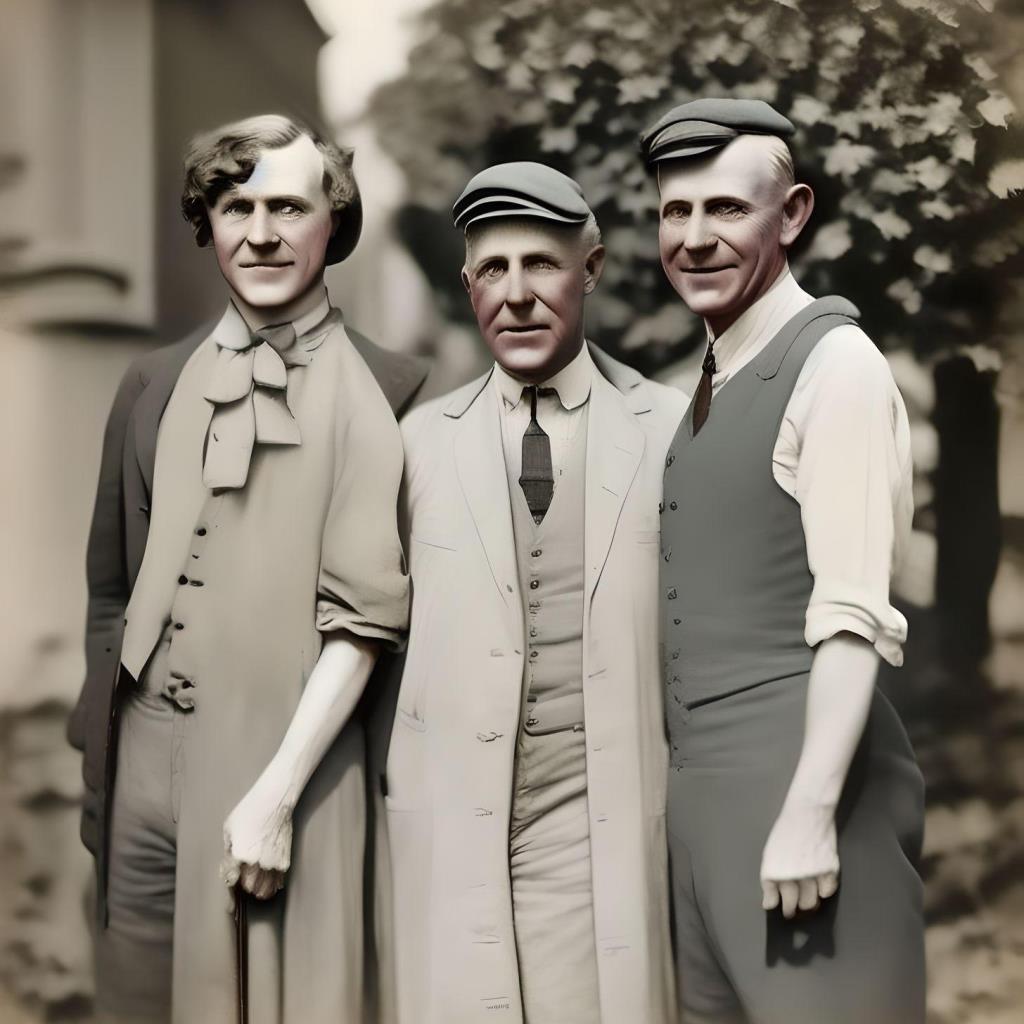
Finally, at just 10%, everything is different. It's kind of an
interesting illustration, and I might even be able to use it as one
sometime—but a restored photo, it is not.
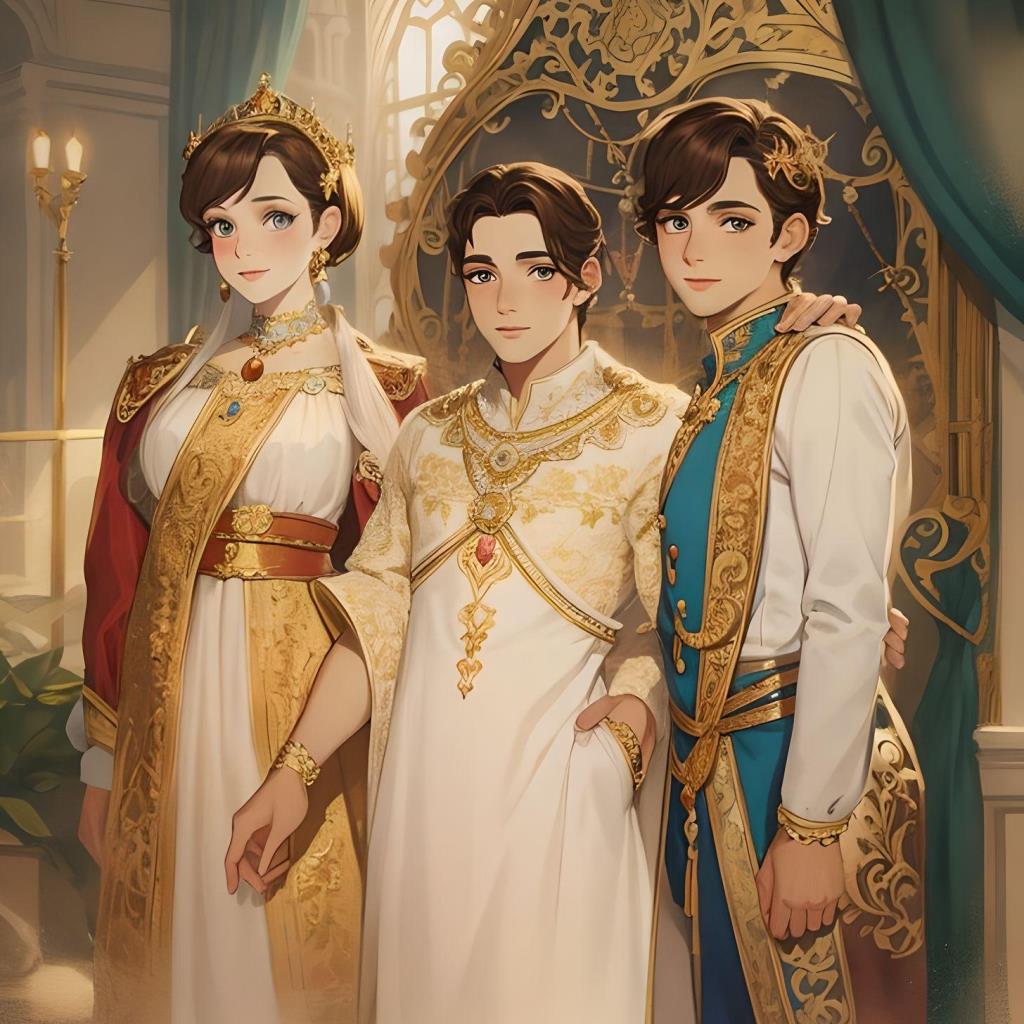
Fotor has several trained AI models that produce different results.
Basically, if you train an AI on thousands of pictures from the
Pokémon universe's Sunnyshore City, you get a result like
this:
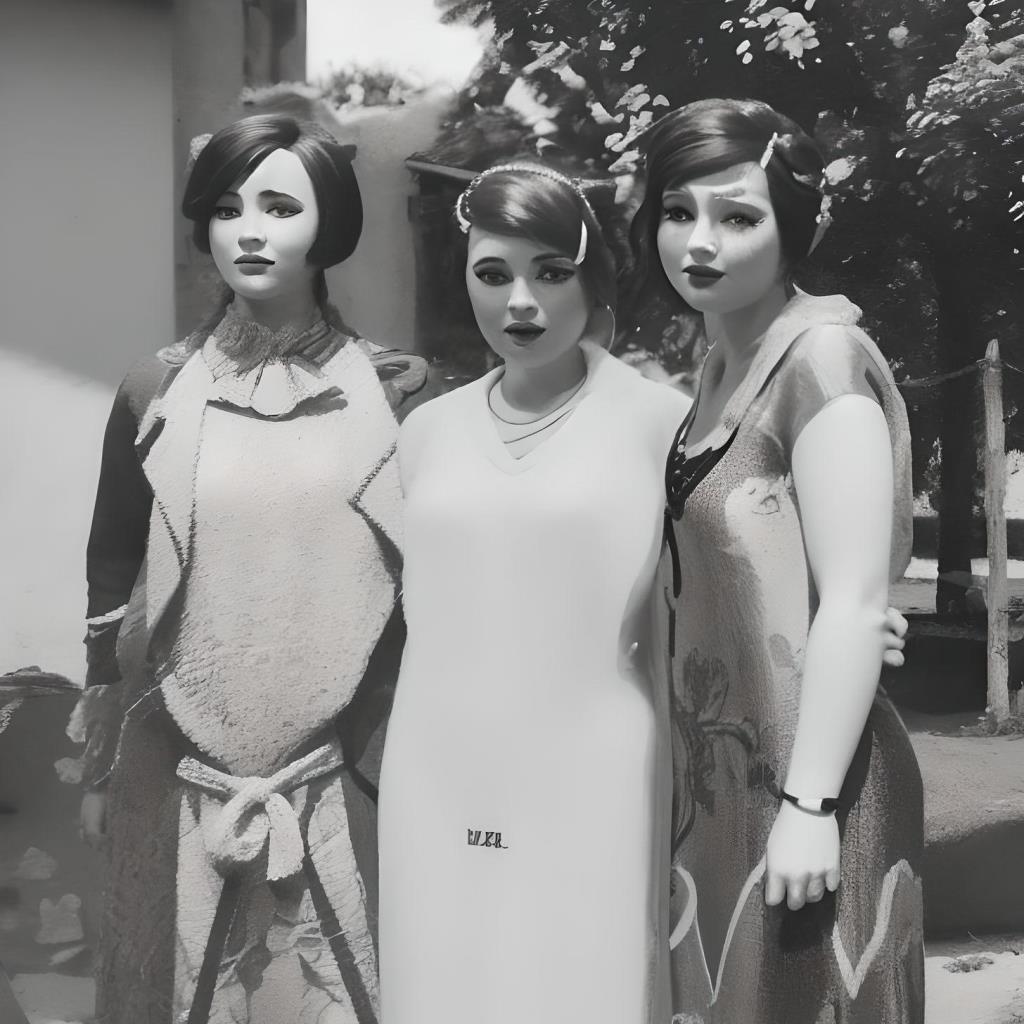
And, of course, there's also a Barbie-style AI.
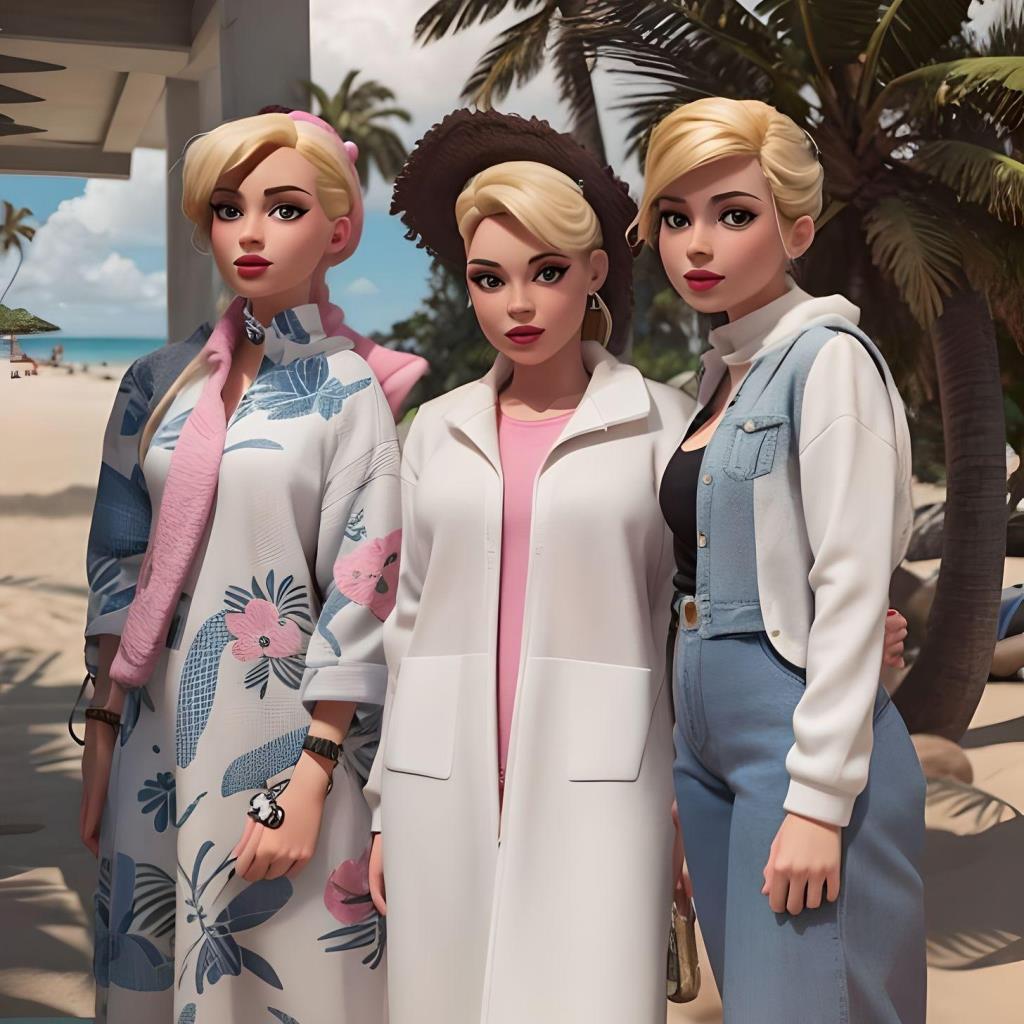
B…U…T… as much fun as that is, it isn't helping
us restore the photo. SO, I decided to try using the AI's ability to
work with my own prompts instead of a pre-trained model. And at 90%
similarity, we have something that does look like a photo. The faces
are so prettified, though, that none of them actually resemble the
women they are supposed to be. (Sort of like if you got Margot Robbie
to play Tilda Swinton in a biopic.)
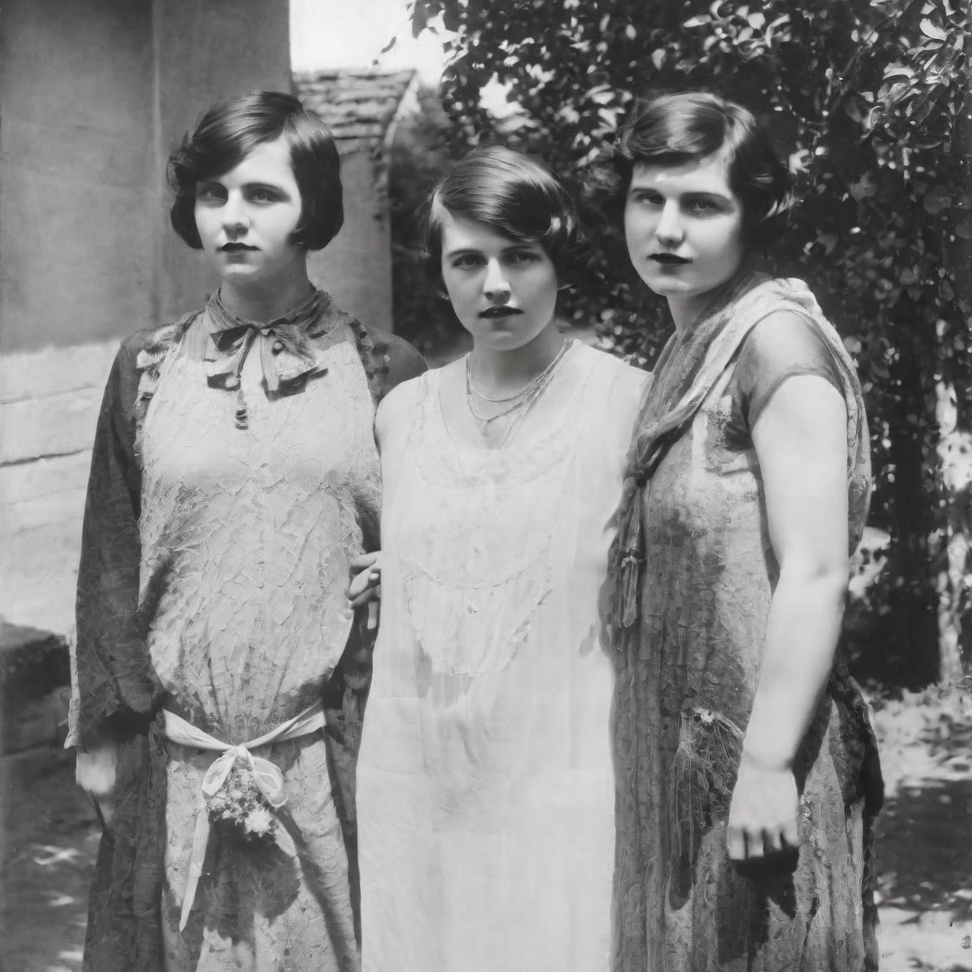
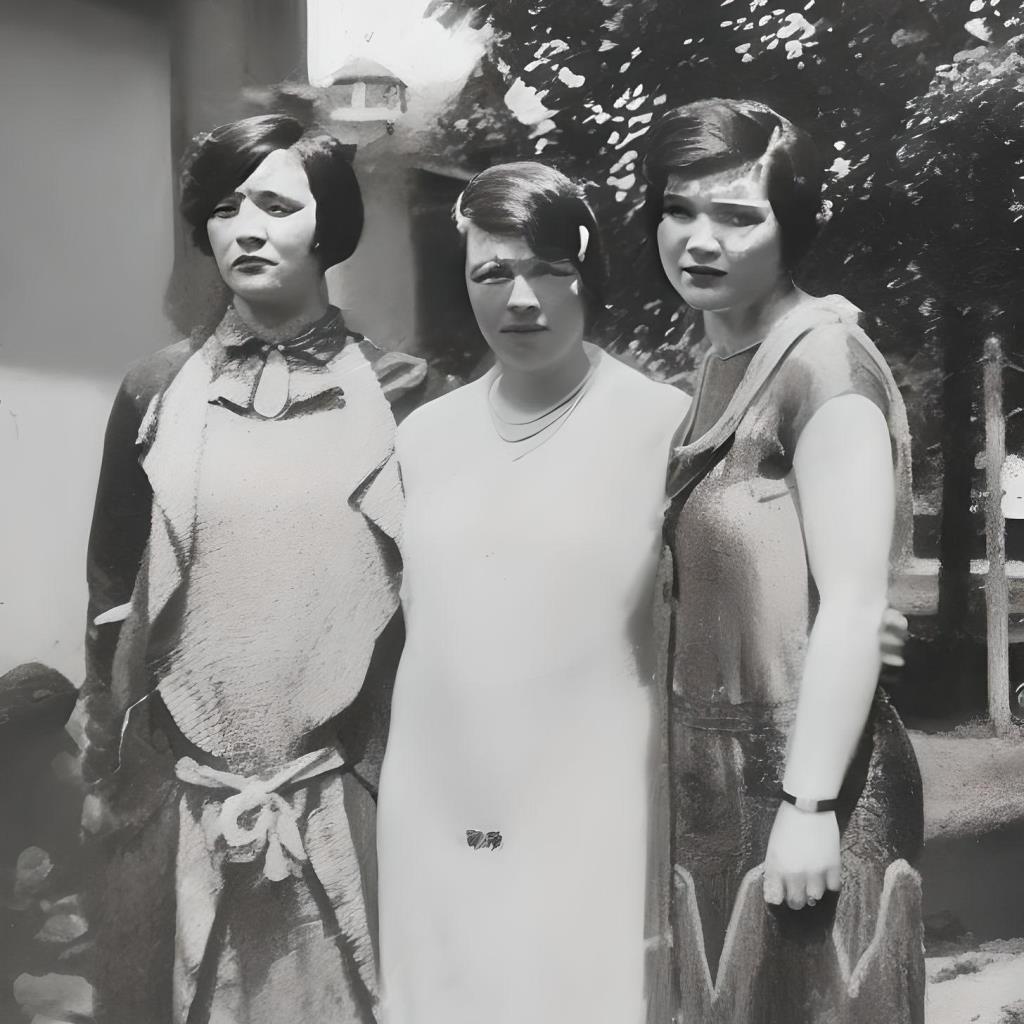
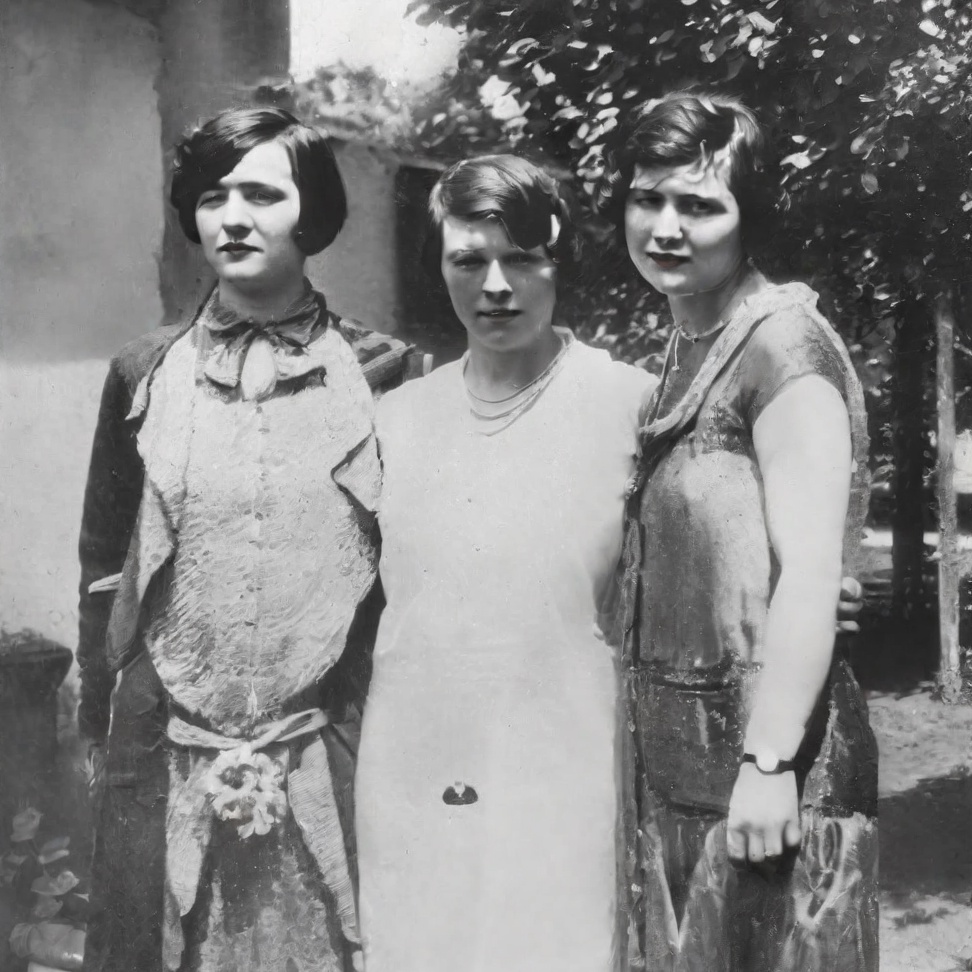
But at 95% similarity, I got a useable result! While the pained
expressions have been lost, I don't think the women would have
objected to that. And at the same time I think all three would
recognize themselves. (Though, to be sure, I am less certain of Lena
since I never knew her; she died before I was born.)
And now for the colorization! (Done by Colorize AI on my phone.)
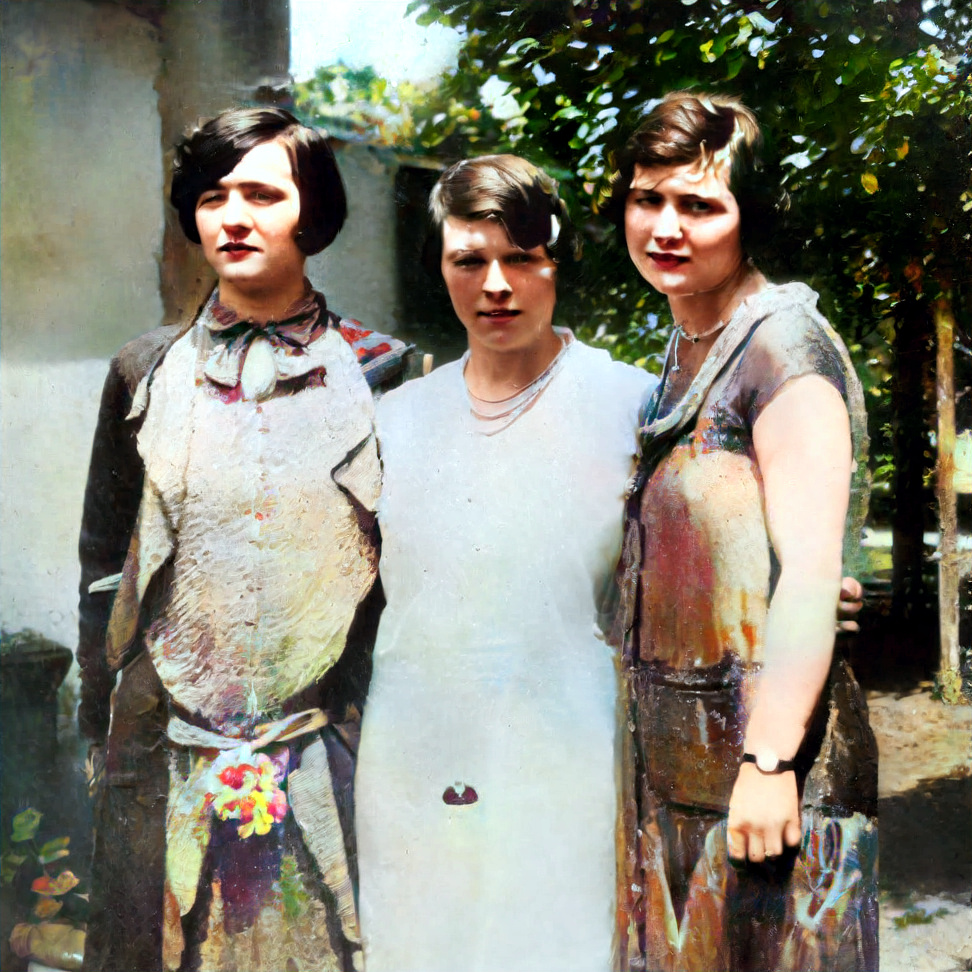
I have no idea if these colors are reasonable for the 1920s dresses.
Aunt Gene's dress appears to be made of satin or some other shiny
cloth, so the iridescent look on it isn't completely unreasonable. I
could make it a solid color, but I don't actually know, of my own
knowledge, what color would be more authentic. So, for now, at least,
I am going to leave Aunt Lou, my father's first wife Lena, and Aunt
Gene, looking like this.